


There are thousands of Photoshop tutorials out there, but few that are top-notch in terms of instructions, presentation – and of course – outcome. In this post, you’ll find 30 beautiful, high-quality Adobe Photoshop tutorials from top tutorial sites and designers like PSDTUTS, PSHERO, and Abduzeedo. These text effects are visually appealing and can provide for a better user experience and help grow your business on the internet!
Adding multimedia to your site is one of many marketing strategies on the web!
1. Create a Spectacular Grass Text Effect
 Use the Pen Tool and a lot of patience to create this excellent grass effect.
2. Create a Layered Glowing Text Effect
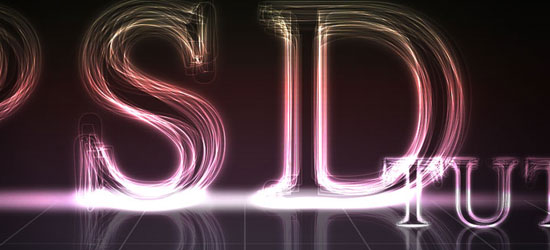 This beginner-level tutorial allows you to create text that glows.
3. Using Light and Shade to Bring Text to Life
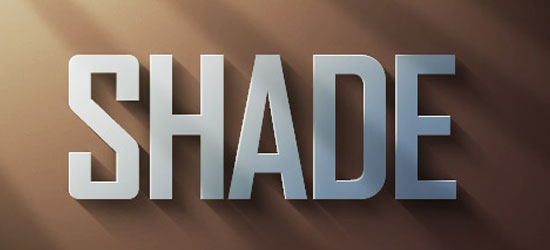 Learn about the concepts behind lighting and shading to make your text stand out.
4. Transparent Glass Lettering
 This is PSDTUT’s rendition of the popular glass text effect.
5. How To Create A Gold Text Effect
 A classic text effect that rarely turns out classy (instead of gaudy and cheesy).
6. Icey Styles
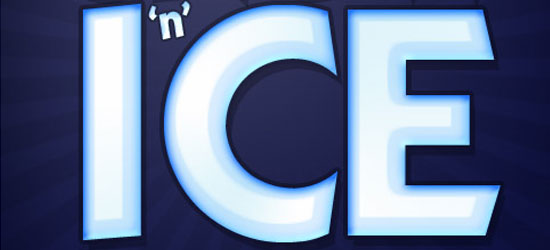 Uses some basic Layer Styles like Bevel and Emboss to create a cold text effect.
7. Dramatic Text on Fire Effect
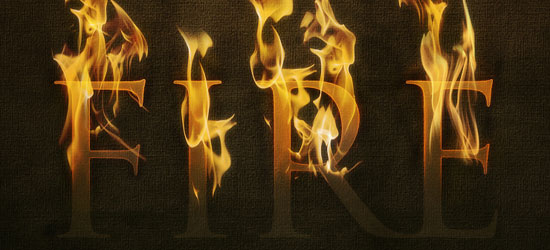 Set your text on fire with the Smudge Tool and some layer masking.
8. Wood Inlay Text
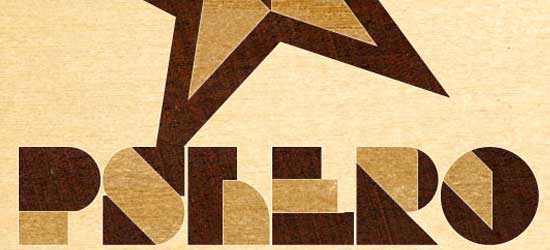 Using wood textures and some layer masks, you can create this “wooden inlay” effect.
9. Watercolor Text
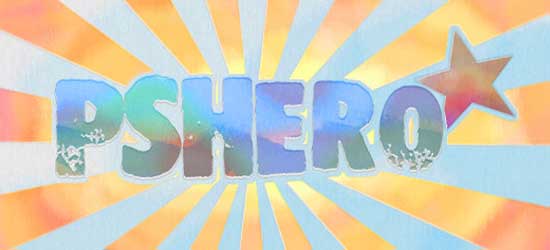 Learn about the Brushes Palette to achieve a water-color painting effect.
10. The Sugar Bag Effect
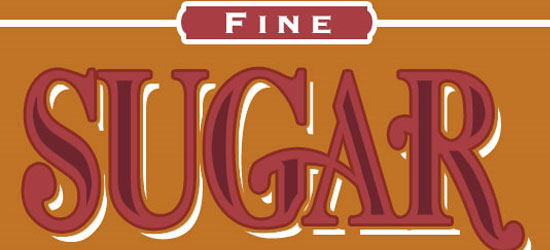 Find out how to create this “Sugar Bag” effect using basic Layer Styles and selections.
11. Text In Stitches
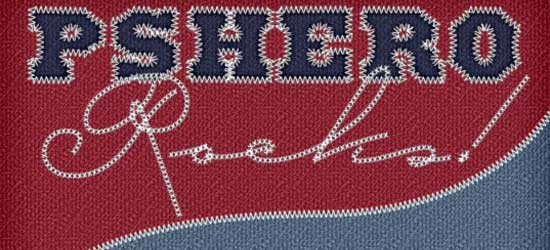 This tutorial shows you how to create an stiched effect using a custom brush set.
12. Text Ticker
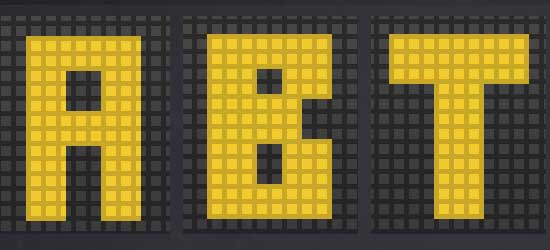 Mimic the text that you commonly see in “news tickers”.
13. Cartoon/Comic-Style Text Effect
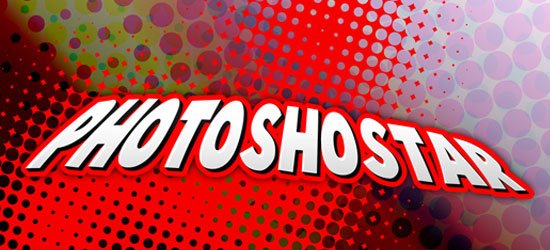 This is PhotoshopStar’s rendition of this popular pop-culture text effect.
14. ‘Bee Movie’ Text Effect
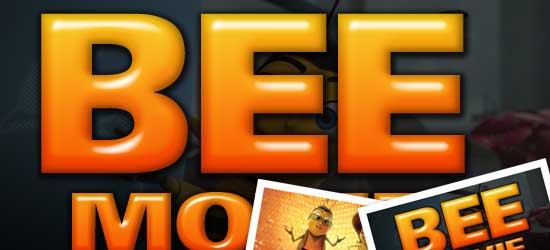 Use a load of Layer Styles to create this text effect seen in the film “Bee Movie”.
15. Simple, Sleek and Stylish Text Effect
 Create a quick and sleek “Web 2.0” feel with this easy Photoshop tutorial.
16. Smooth Glass Type
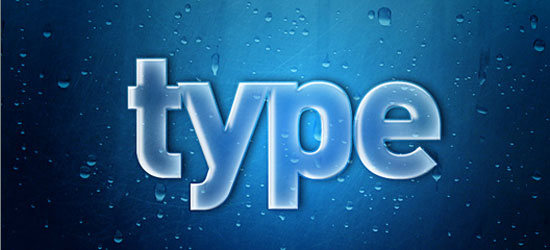 Learn how to create a translucent text effect.
17. Moon Shine Text Effect
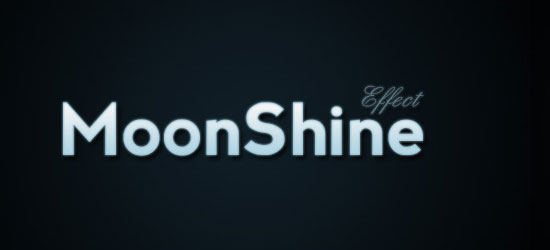 Quickly create this “dreamy” text effect using some basic Layer Styles.
18. Colorful Glowing Text Effect
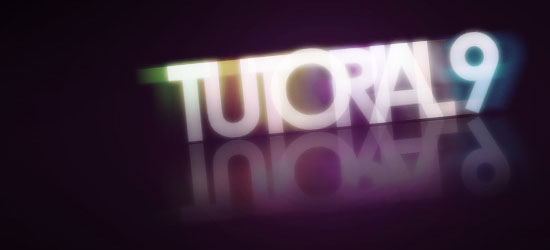 Create this layered, glowing effect by separating the text in individual layers and a white to transparent gradient layer to get this cool, colorful glowing text effect.
19. Bubble Text
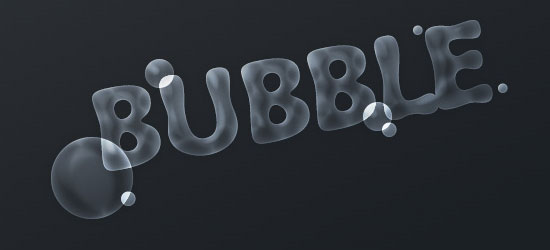 This is another quick tutorial on how to make this text effect using layer styles.
20. Killer Halftone Effect
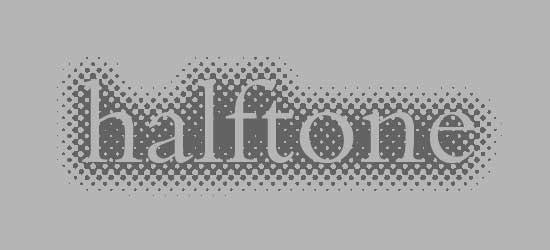 This tutorial shows a way to apply the halftone effect to the background of your text.
21. Text on Turf
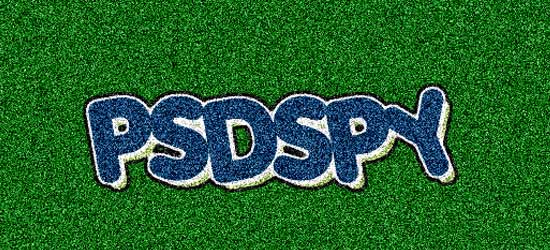 This tutorial uses the Noise Filter to create the grass-like texture.
22. Spray Paint Text
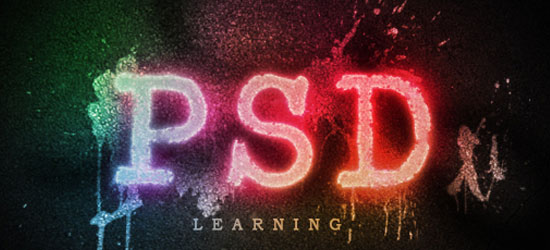 Create your own digital grafitti by following this excellent tutorial from PSD Learning.
23. Scanline Text
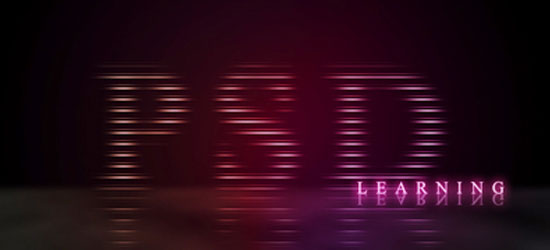 This is PSD Learning’s beautiful take on the relatively “old-school” scan line technique.
24. Retro Text
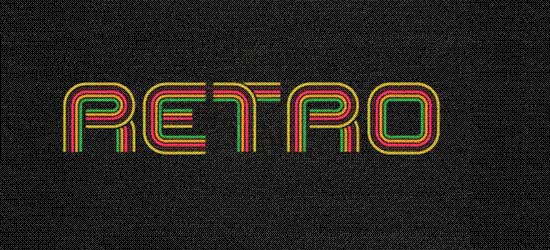 This tutorial uses both Photoshop and Illustrator to create a retro look.
25. Grunge Text Effect
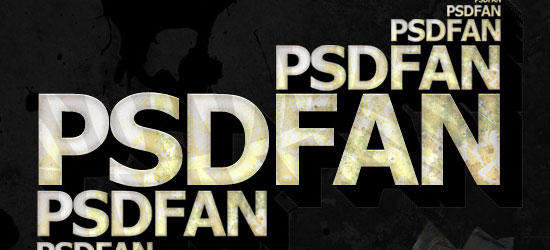 This tutorial from psdfan shows you how you can apply this popular effect on text.
26. Pimp your text
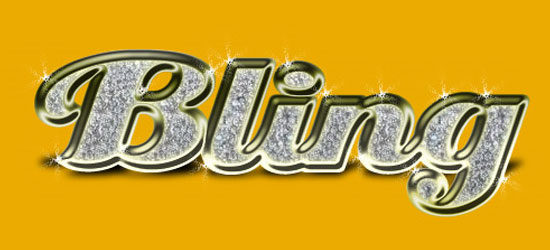 Can’t afford real bling-bling? Make some digital ones with this quick tutorial.
27. Paint Effect
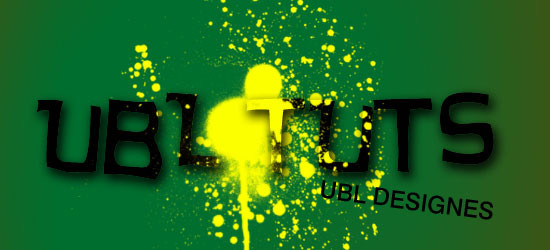 UBL Designes shows us how to accent text as though you splattered paint on it.
28. Spectacular Style Text Effect
 Create a 3D text effect by duplicating layers and offsetting each layer.
29. Shining Neon Text Effect
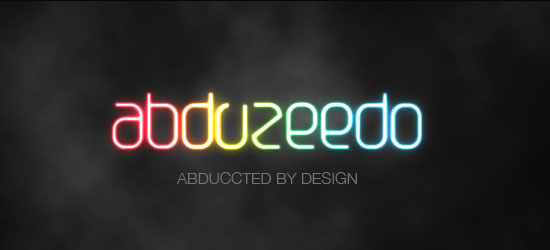 Create a colorful neon text effect by using a Gradient Overlay and a few Layer Styles.
30. Super Cool Frilly Bits Typography
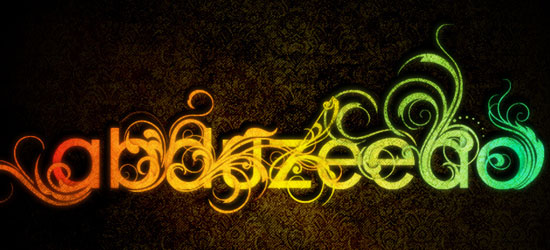 Uses vector files to accent your text to achieve a similar look as the sample.
How to Choose
When choosing a theme to add to your site, make sure you are choosing a fitting text effect, if you choose to use these. A college for example, may use a simpler text effect to look more professional, whereas an artist may choose a flashy font. The best way to choose this is to go with a theme fitting for your site’s design, or even take a look at what your competitors are doing.
Show it off!
If you use one of these tutorials – we’d love to see your work – post it online and link to it in the comments.
If you don’t have a server, you can use one of the many image hosting services like Flickr or even ImageShack.
(Possibly) Related Posts
- 25 GIMP Video Tutorials to Help Get You Started
- Favicon Generators
- Where to Go to Find Design Inspiration
-
 President of WebFX. Bill has over 25 years of experience in the Internet marketing industry specializing in SEO, UX, information architecture, marketing automation and more. William’s background in scientific computing and education from Shippensburg and MIT provided the foundation for MarketingCloudFX and other key research and development projects at WebFX.
 -

WebFX is a full-service marketing agency with 1,100+ client reviews and a 4.9-star rating on Clutch! Find out how our expert team and revenue-accelerating tech can drive results for you! Learn more
Make estimating web design costs easy
Website design costs can be tricky to nail down. Get an instant estimate for a custom web design with our free website design cost calculator!
Try Our Free Web Design Cost Calculator
Share this article




Web Design Calculator
Use our free tool to get a free, instant quote in under 60 seconds.
View Web Design CalculatorMake estimating web design costs easy
Website design costs can be tricky to nail down. Get an instant estimate for a custom web design with our free website design cost calculator!
Try Our Free Web Design Cost Calculator



