


If you’re looking for a way to display your images on a website but don’t have the time to create a custom solution, there’s plenty of free and easy-to-use scripts available at your disposal. Here, I’ve compiled 16 free image galleries and slideshows for you to take a look at. Though the effects are smooth and their features are robust, none of them use Flash, only JavaScript, and they require very little coding on your part.
1. JonDesign’s SmoothGallery 2.0
SmoothGallery 2.0 is a nifty slideshow gallery that transitions between images very… smoothly. The author tested SmoothGallery 2.0 in Firefox, Opera, IE 6 and 7, and Safari.
It requires the mootools JavaScript framework. 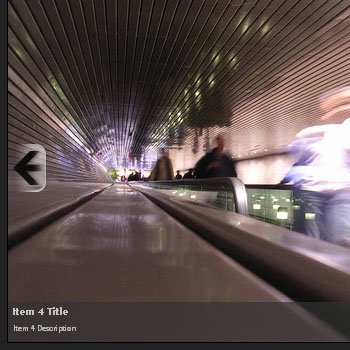 SmoothGallery demo
2. (E)2 Photo Gallery
(E)2 Photo Gallery is an open source photo gallery. The current version is still in beta but I’ve tested it to work with Firefox 2, IE 7, and Safari 3. What’s cool about (E)2 Photo Gallery is that the user can change the “skin” of the gallery. It uses the mootools framework and PHP for the photo uploader and image auto-detection features. 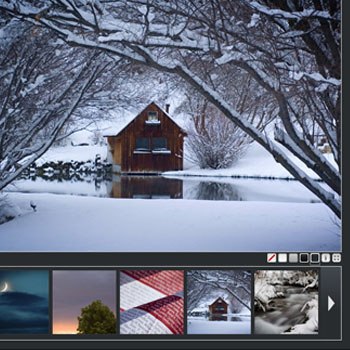 (E)2 Photo Gallery demo
3. jQuery Gallery
jQuery Gallery is a plugin for the jQuery JavaScript library. It uses the Reflection.js script to add a reflection effect dynamically to your images. 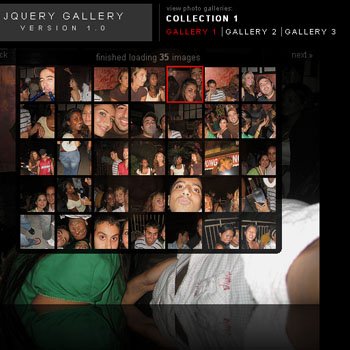
4. MooPix
MooPix utilizes the Flickr API to dynamically populate your image gallery with pictures from a Flickr account without the need to use server-side scripting. 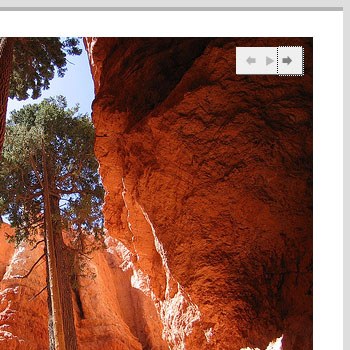
5. Highslide JS
Highslide JS is an open source script that uses modal windows instead of pop-up windows to open larger versions of the thumbnail images. It’s free for non-commercial uses.  Highslide JS demo
6. Flickrshow
Flickrshow is another slideshow that allows you to access photosets, groups, and tags from Flickr. The current version has an improved caching feature which helps make the transition between images quicker and more fluid. 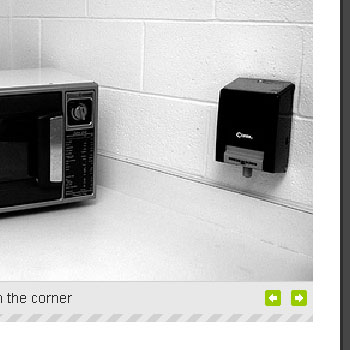
7. Galleria
Galleria is an image gallery that uses the jQuery library. It’s distributed under the GLP 3.0 License which permits you to modify and re-package the script (granted that you abide by the terms and conditions of the license). 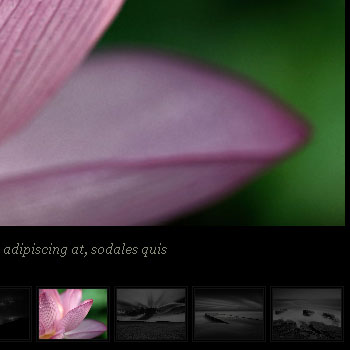 Galleria demo 1 – Galleria demo 2
8. LightWindow v2.0
LightWindow 2.0 is an excellent choice for mixed media galleries because it also supports other file types such as Flash movies and video files. 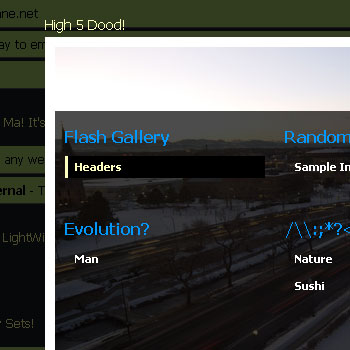 LightWindow v2.0 demos
9. easyALBUM
easyALBUM prides itself for being an image gallery that uses “super clean markup”. It works well with CSS disabled and is compliant with current XHTML web-standards. It also allows the user to navigate through the gallery using keyboard shortcuts. 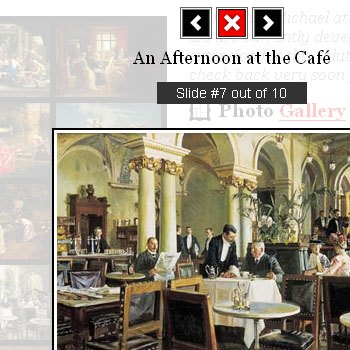
10. slideViewer
slideViewer is a plugin for jQuery and uses ordered lists for mark-up which is good for accessibility and with JavaScript turned off. 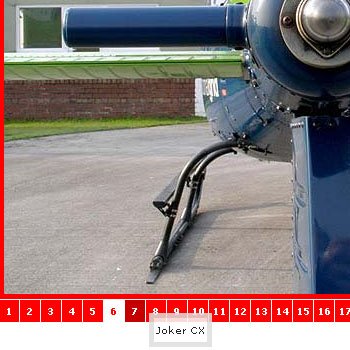
11. Image Transition Manager
Image Transition Manager provides you 8 transition effects. It was tested by the developer in Firefox 2, Opera, and IE 6 and 7. As an additional measure, I tried it in Safari 3 (and it works). It was developed using the script.aculo.us effects library, which in turn requires the Prototype JS framework. 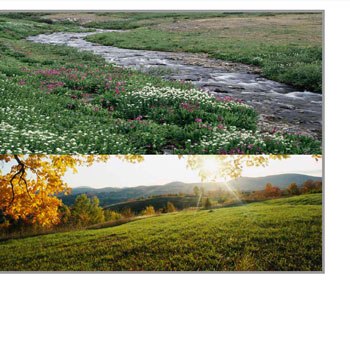 Image Transition Manager demo
12. ThickBox
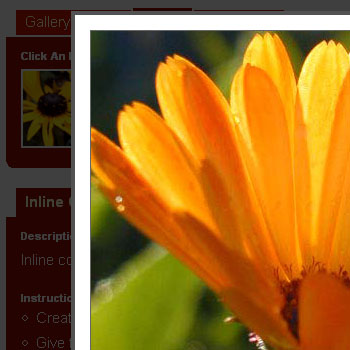
ThickBox is a script built on top of jQuery. It’s designed to display images as well as other types of document objects. It has the capability of loading content via Ajax requests.
13. ProtoFlow
ProtoFlow mimics the cover flow effect that you would find in iTunes, the iPhone, and other Apple products. In addition to the ProtoFlow JS and CSS file, it also uses three additional external JavaScript files – Prototype and script.aculo.us and Reflection.js – so make sure you’re willing to pay the price in page weight, additional HTTP requests, and potential decrease in page load times due to the above reasons. 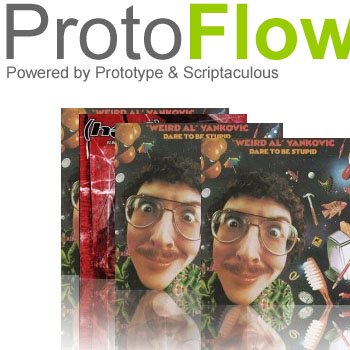 ProtoFlow demo
14. Slideshow: A Javascript class for Mootools
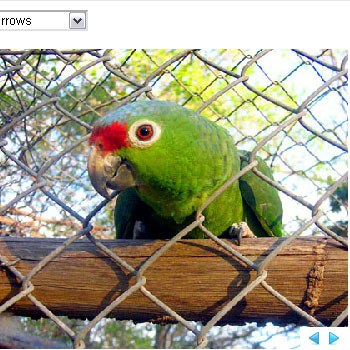
Slideshow gives you tons of options and effects for your slideshow gallery. There’s a pan/zoom feature that makes for a very impressive transition between images, all entirely done using JavaScript. It doesn’t come pretty “out of the box”, but with some simple CSS magic, it can looks awesome!
15. Javascript Image Gallery Using Mootools
This is a very simple image gallery, great for when you need something up right now. It doesn’t require you to know very much JavaScript to get it to work. 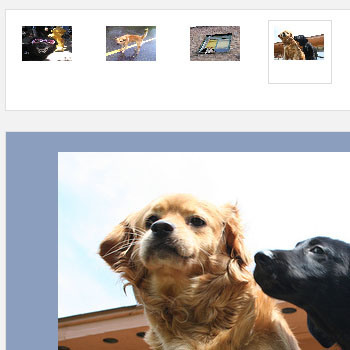
16. minishowcase
minishowcase gives you the ability to set the language used in your galleries, and it can be configured to detect the user’s language preferences. This image gallery uses PHP for the language selection and automatic thumbnail generation. 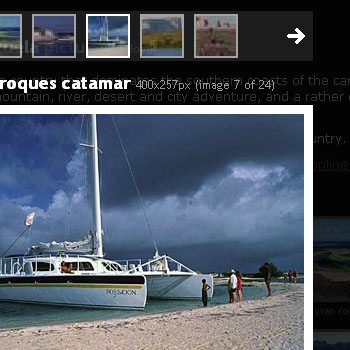 minishowcase demo If you liked this article, you might also like “10 JavaScript Effects to Boost Your Website’s Fanciness Factor” and “40 Excellent Resources for JavaScript Coders“.
-
 President of WebFX. Bill has over 25 years of experience in the Internet marketing industry specializing in SEO, UX, information architecture, marketing automation and more. William’s background in scientific computing and education from Shippensburg and MIT provided the foundation for MarketingCloudFX and other key research and development projects at WebFX.
 -

WebFX is a full-service marketing agency with 1,100+ client reviews and a 4.9-star rating on Clutch! Find out how our expert team and revenue-accelerating tech can drive results for you! Learn more
Make estimating web design costs easy
Website design costs can be tricky to nail down. Get an instant estimate for a custom web design with our free website design cost calculator!
Try Our Free Web Design Cost Calculator
Share this article




Web Design Calculator
Use our free tool to get a free, instant quote in under 60 seconds.
View Web Design CalculatorMake estimating web design costs easy
Website design costs can be tricky to nail down. Get an instant estimate for a custom web design with our free website design cost calculator!
Try Our Free Web Design Cost Calculator