25 Photoshop Tutorials for Web Designers

December 18th, 2008 by Jacob Gube | 90 Comments | Stumble It! Delicious

Adobe Photoshop is the tool of choice for most web designers. From creating a website template to objects and components such as content boxes and buttons, Photoshop doesn’t fail to deliver.

In this collection, you’ll find 25 excellent Photoshop tutorials geared towards web designers. You’ll find a variety of tutorials that include creating full web page templates, navigation menus, headers, and content boxes.

Templates

Photoshop Paper Texture from Scratch
Photoshop Paper Texture from Scratch - screen shot.

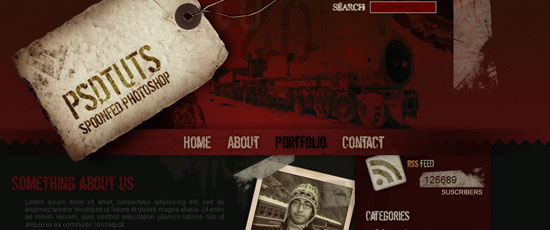
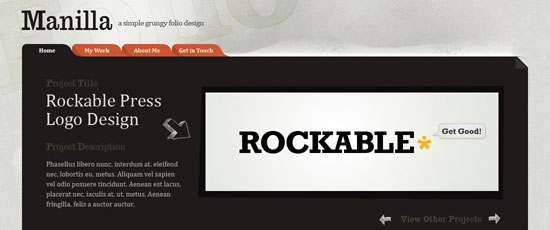
How to Create a Grunge Web Design

How to Create a Grunge Web Design - screen shot.

Create a Sleek, High-End Web Design from Scratch
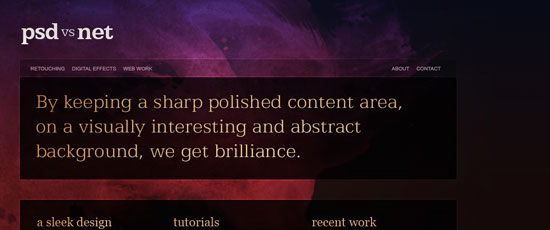
Create a Sleek, High-End Web Design from Scratch - screen shot.

Design an Awesome Band Website Template
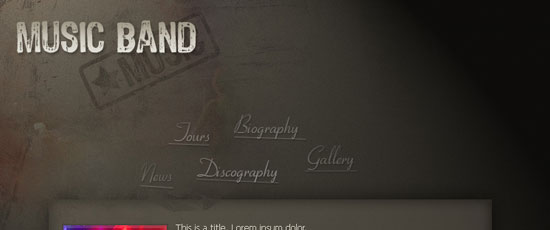
Design an Awesome Band Website Template - screen shot.

Designing a CSS based template (Part II, Part III)
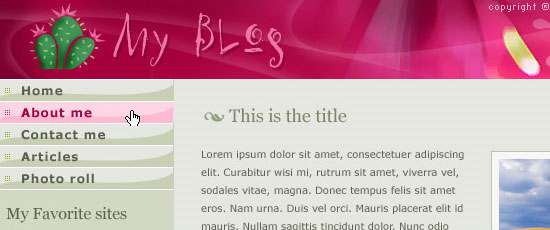
Designing a CSS based template - screen shot.

Create a Dark Themed Web Design from Scratch
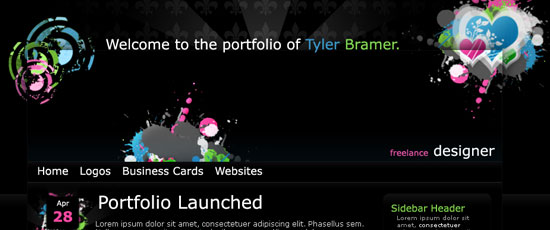
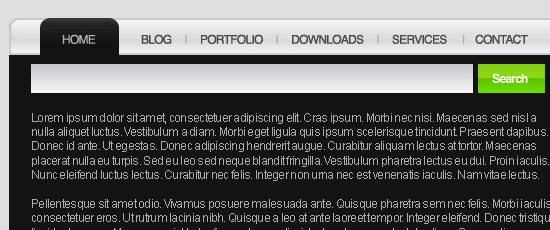
Create a Dark Themed Web Design from Scratch - screen shot.

Navigation and Search

Design Watercolor Effect Menu
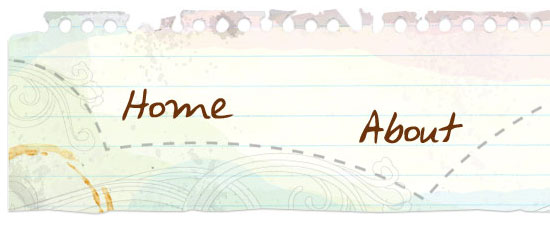
Design Watercolor Effect Menu - screen shot.

Volkswagen Inspired Navigation

Volkswagen Inspired Navigation - screen shot.

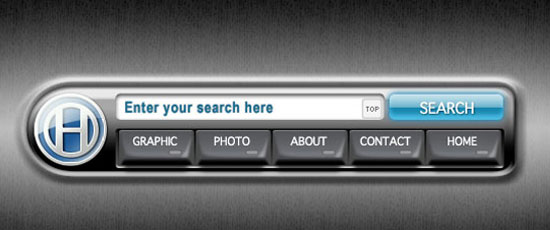
Glossy-Style Carbon Fibre Navigation Buttons
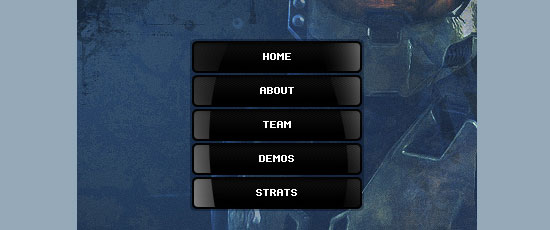
Glossy-Style Carbon Fibre Navigation Buttons - screen shot.

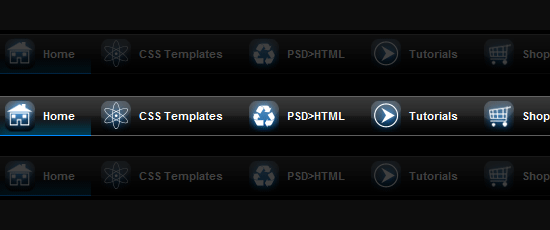
CSS Menu With Icons

CSS Menu With Icons - screen shot.

Content Box with Orange Banner Heading

Content Box with Orange Banner Heading - screen shot.

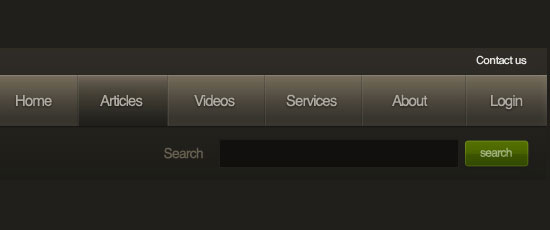
Modern Web Search Bar

Modern Web Search Bar - screen shot.

Header

Professional Dark Header

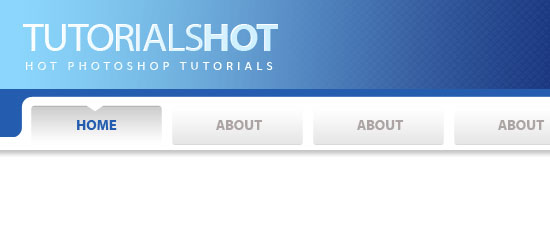
Professional Dark Header - screen shot.

Pro Header With Picture and Navigation
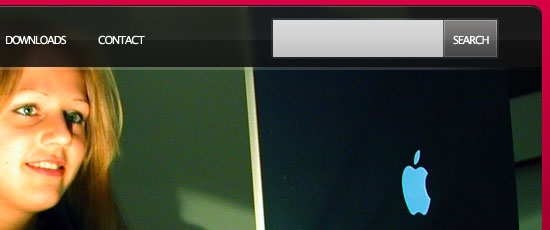
Pro Header With Picture and Navigation - screen shot.

Hero Header Part I

Hero Header Part I - screen shot.

Header Backgrounds

Header Backgrounds - screen shot.

Design a Unique Header

Design a Unique Header - screen shot.

Design Studio Header

Design Studio Header - screen shot.

Professional Header Design

Professional Header Design - screen shot.

Content Boxes

Create a Latest Tweets Box
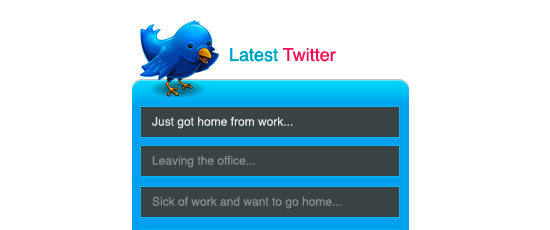
Create a Latest Tweets Box - screen shot.

Light Tabbed Content Box

Light Tabbed Content Box - screen shot.

Create a Dark Content Box with Glowing Navigation
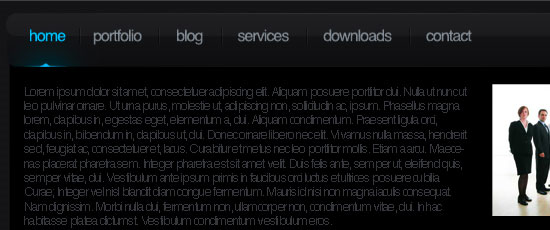
Create a Dark Content Box with Glowing Navigation - screen shot.

Greenish & fresh content box design

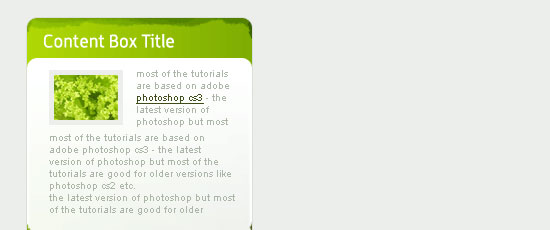
Greenish & fresh content box design - screen shot.

Designing a Unique Bookmark Box

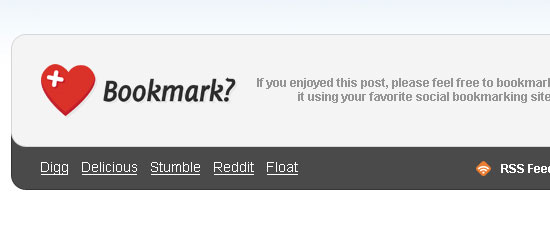
Designing a Unique Bookmark Box - screen shot.

Creating a Grungy Banner

Creating a Grungy Banner - screen shot.

Missed a favorite of yours?

If you know of a good Photoshop tutorial for web designers - why don’t you share it with all of us in the comments.

Related Content

90 Comments

Marcus Neto

December 18th, 2008

Do people really prefer photoshop for designing websites over fireworks? I really need to work photoshop back into my workflow then cause I have been getting stuck in fireworks for over a year now…

Matt

December 18th, 2008

Some really great tutorials here. Thanks!

Jacob Gube

December 18th, 2008

@Marcus Neto: I think Photoshop is much better for web design, Fireworks for me doesn’t seem to have enough “oomph”.

@Matt: Thanks, glad you like it.

insic

December 18th, 2008

nice collection again in this site. keep it up Jacob

Julius

December 19th, 2008

Very nice this tutorial!

Rishi Luchun

December 19th, 2008

Nice tutorials, good variety in producing loads of different web designs.

Thanks

Dietmar

December 19th, 2008

Awesome Tutorial, can’t wait to get my hands on this!

Matthew Heidenreich

December 19th, 2008

Thanks for linking to a few of tutorials I’ve wrote

highblood

December 19th, 2008

HOT LIST! Thanks for sharing, Jacob! *bookmarked*

ngkong

December 19th, 2008

wow looks awesome!
got it from digg frontpage.
bookmarked. will check this out tomorrow. 12 midnight here…

Shaun

December 19th, 2008

Photoshop is the only way to go for making great websites! Thanks for the awesome list of tutorials.

Arjen

December 19th, 2008

Nice tutorials!

I tried some of them lately. Thanks for sharing!

Alex

December 19th, 2008

Will for sure use some of these, thanks alot for the tutorials :D

Liveo

December 19th, 2008

Cheers,

I am working on a snooker site and your article has given me a couple of interesting ideas.

Paul

Patrick Sweeney

December 19th, 2008

Excellent array of resources, nothing to crazy which is definitely not needed in web design.

Matthew

December 19th, 2008

These tutorials crack!

Thanks for the ultimate list, appreciate it!

matt

Robbert

December 19th, 2008

Wow, this is definitely some reading for X-mas!

stelt

December 19th, 2008

Just make sure i can copy all text in those great designs.
trick: cover them with actual HTML text, but fully transparent.

Eli

December 19th, 2008

Cheers for including some of my tutorials :)

Patareco

December 19th, 2008

Loved the cactus one!

Belmos

December 20th, 2008

wonderful tutorials and wonderful designs. It will help me a lot. “How to Create a Grunge Web Design” inspired me a lot….

Jhay

December 20th, 2008

Great post! I love it

Jacob Gube

December 20th, 2008

@Belmos: That’s the goal, to inspire you on your own designs. You can look at these tutorials in two ways: (1) for practice and to get familiar with Photoshop techniques by doing, (2) to get familiar with techniques on how to create the popular styles out there.

@Patrick Sweeney: Nothing too crazy, or off-the-wall here - I wanted to share tutorials that were practical and can actually be used in a web design.

Pablo Formoso

December 20th, 2008

awesome collection

Navdeep

December 21st, 2008

Very nice post

Thomas

December 22nd, 2008

It’s a great collection, PSDTUTS tutorial are awesome

reginald

December 24th, 2008

This is a very interesting website in which it shows good quality.
Thank you

kiran

December 25th, 2008

Great tutorials thank you.Very helpful.

cutt

December 26th, 2008

Great Tutorials, thanks for share!

Dream Meanings

December 27th, 2008

Thanks for the photoshop tutorials. It is going to be very handy when I get around to making my site more fancy.

Vaibhav Gupta

January 11th, 2009

gr8!

Eric

March 6th, 2009

Have you found any cool articles on fireworks?

tiago

March 26th, 2009

i cant see the –Create a Dark Content Box with Glowing Navigation–
can you mail me the link please!

Nice stuff btw.

Rick

March 30th, 2009

Very excellent. I’m a Web / Graphics Designer and you’re right, these will come in handy!

Chris

April 4th, 2009

Nice collection of tuts and sites :-)

VIKAS GUPTA

April 17th, 2009

gr8 job dude

Herb

April 21st, 2009

I’m really hoping someone can help me… I can’t see it in any of the above tut’s.

I’m looking for the best way to go about creating the shadow effects like this: http://www.idealistconsulting.com/

See how the shadows are not ’straight shadows’ ? They appear more in the middle of the lines… They’re kinda ‘bent’ shadows, making the line look kinda like a ribbon - hope that makes sense.

I could work out a way to do it but I’m sure I could do better.

Thanks,
Herb.

Continuing to love SM - thanks!

nev

May 13th, 2009

some good images

Navdeep

June 5th, 2009

Awesome header…It will surely help us for our design skills

Leave a Comment