Photoshop Text Effect Tutorials
If you are looking to learn about grungy metal, glass, water, clouds, fire, wet ink Photoshop text effect tutorials, you will find some by reading up on these tutorials. Try to play around with settings and colors on each of these to end up with your own look and feel.
Hopefully you find something that inspires you, plus maybe a trick or two on how to do something a bit different from what you’re used to. Here the best Photoshop tutorials for making text effects.
This is a follow up to a post that was published a while ago called 30 Beautiful Photoshop Text Effect Tutorials that you should also check out.
Enjoy!
1. Wooden Type Treatment

2. Remarkable 3D Text
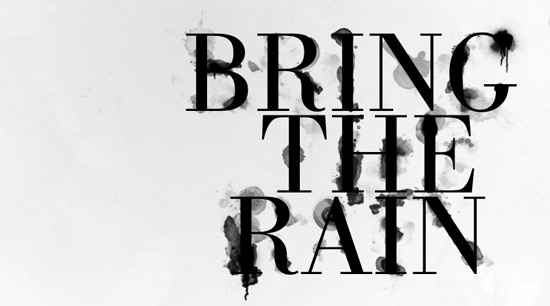
3. Cool Wet Ink Typography Effect
4. Copper Text Effect
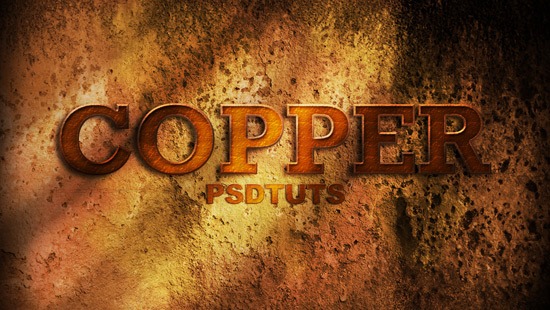
5. High Quality Metal 3D Text

6. Vanity License Plate
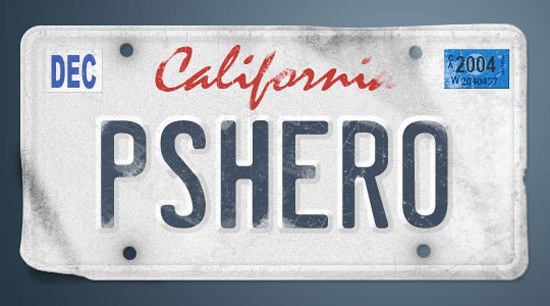
7. Transparent Text Effect with Fresh Grass

8. Retro Text Effect
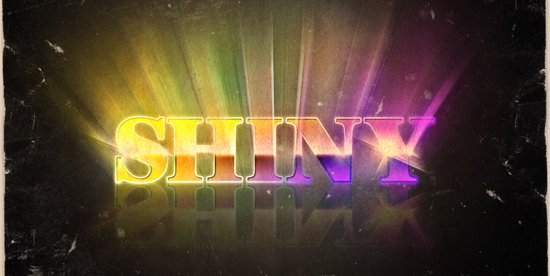
9. Torn Paper Edges
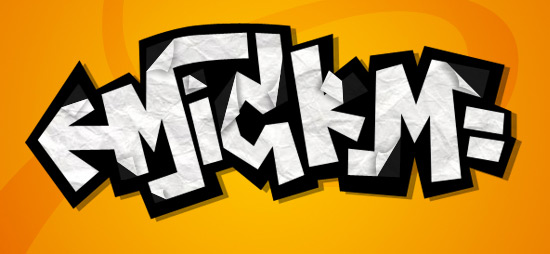
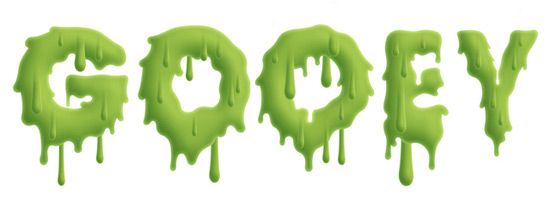
10. Gooey Text
11. Starry Text Effect in Photoshop

12. Patriotic Text

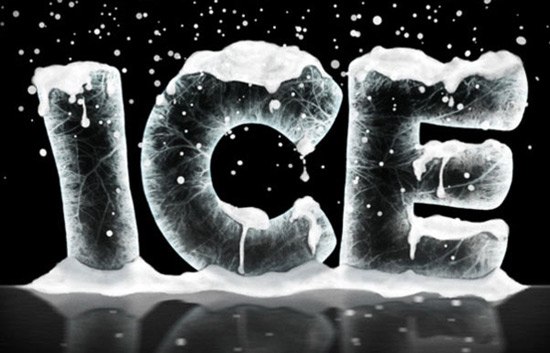
13. Ice Text Effect with Photoshop
14. Stylish Retro Text Effect

15. Colorful Glow

16. Semitransparent Amorous Text Effect

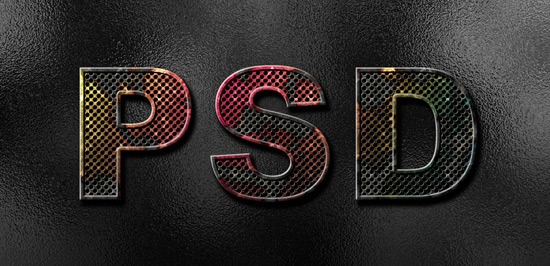
17. Eroded Metal with Photoshop
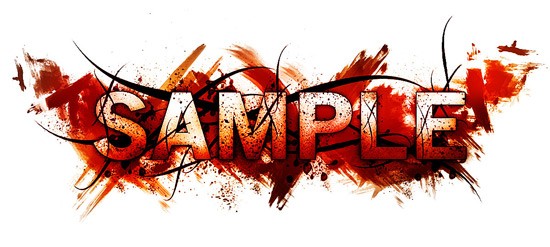
18. Horror Style with Dirt and Splatter
19. Papercraft

20. Grungy Metal
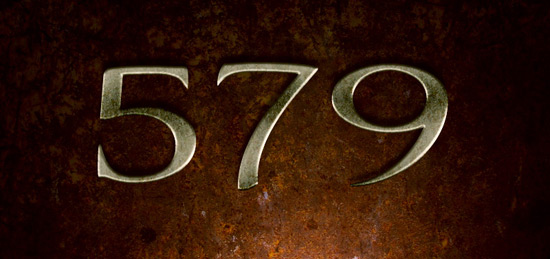
21. Luminous Glass

22. Burnt Wood

23. Abstract Text Effect

24. 3D Layered Text Effect
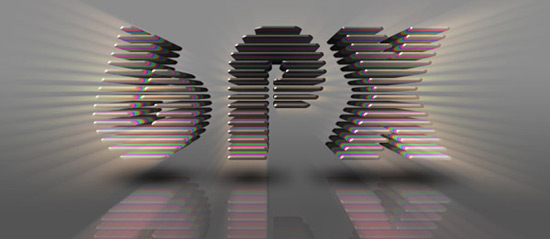
25. Metal Text Under 12 O’clock Spot Light

26. Folded Typo

27. Cloudy Text

28. Glowing Text in Space

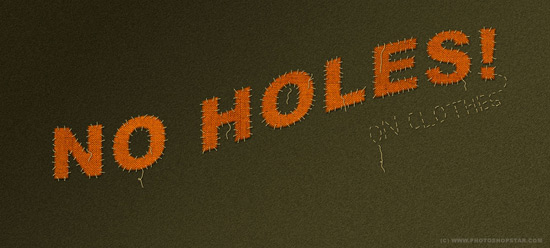
29. Patch on Clothes
30. Easy Neon Style

31. Jelly Fish Delight

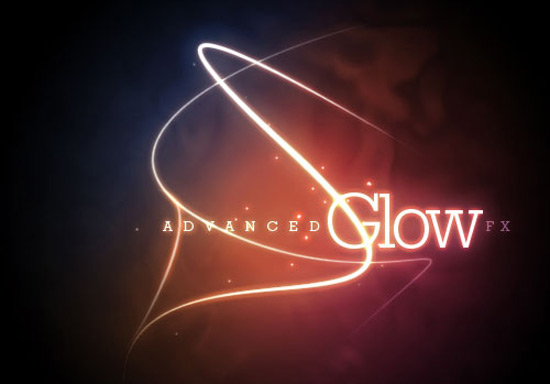
32. Advanced Glow Effects
33. Maddening Text Effect – Unlimited Variations

I hope you enjoy these tutorials and find them useful. Thank you for reading!
Related Content
- 30 Beautiful Photoshop Text Effect Tutorials
- How to Create Remarkable 3D Text in Photoshop
- How to Create Stunning and Bold 3D Text
- Related categories: Photoshop and Tutorials


35 Comments
Rajiv
April 29th, 2010
The last one is a complete rip off of the genuine tutorial written by 10Steps : http://goo.gl/kgfI
Geez! Don’t you guys search the web well enough. I fail to notice how you can call these the ‘Best’. They are certainly good, but not the best. It shows that you haven’t searched the web properly and just wrapped this one up the last minute.
Also, a little description about the process of achieving the text effect would have been better. You guys have to seriously work on your list posts. Sorry to say this guys :(
regards,
Rajiv
Daniel Low
April 29th, 2010
Last one on the list above is pirated copy of Fire Text effect, and very poorly executed.
Original is here http://10steps.sg/tutorials/photoshop/text-on-fire-effect/
No arguments, as regular tutorial readers we all know.
Simon
April 29th, 2010
Love these, literally never grow tired of viewing, even those that have done the rounds many times :)
Belinda
April 29th, 2010
The semi transparent amorous text one looks really cool but I’m getting a 403 error?
Ray
April 29th, 2010
Nice. You can also find most high quality text effect tutorials on http://www.photoshoplady.com/photoshop-tutorial/category/text-effect/
Jacob Gube
April 29th, 2010
@Rajiv: I’m hearing what you’re saying. We’ll try better next time. I’ll contact Hilde and see if we can replace the last one (Realistic Scorching Fire Effect), but I’m taking it down because I agree that it’s too close to the ones you all have linked to.
@Belinda: I just checked now and it works. Try it again and see if you get the same error.
@Ray: Great resource, thanks Ray.
WebGuide4U
April 29th, 2010
thanks for the share as i’m working on designing a new header of my blog and these text effects will help me out in adding the effects. thanks for the sahare
Rajiv
April 29th, 2010
@jacob Thanks a lot, Jacob. I am sorry if I went a bit off track there. As a regular reader, I expect nothing less than the best, from SR, so I had to let out my argument here. I sincerely hope this paves a way for improvement of the articles and nothing else. Thanks for the immediate reply and Good luck!
Kelly Justin
April 29th, 2010
nice collection of tutorials….great effects
Alan
April 29th, 2010
awesome post…loved the tutorials
IOM Design
April 29th, 2010
Wow… some great text effects here!
I’m really liking the cloudy text and the 3D metal text under 12 o’clock spotlight.
Thanks for this.
Jordan Walker
April 29th, 2010
The burnt wooden one is really neat.
Jacob Gube
April 29th, 2010
@Rajiv: No need to apologize at all. If you feel like an article should be better, you should call us out on it. This lets me know what works and what doesn’t for the Six Revisions community.
When you say this:
That’s good. Your expectations will only make us better.
I have an open line to all Six Revisions readers: You can always email me with your thoughts and suggestions and criticisms, but I also read the comments, so that’s also a good way to communicate with me.
Mary
April 29th, 2010
Gracias por los tutoriales, soy diseñadora y me interesa este tipo de trabajos.
sigueme en twitter en @erikadesing
Cardview
April 29th, 2010
Great collection! Thanks!
Matt
April 29th, 2010
Thanks for this list. I’ve been looking for a tutorial for a specific look that I found here (#8)…not the retro aspect, but just the text affect w/the raised outline (if that makes sense). Thanks again!
Beben
April 29th, 2010
always give a great on post…
i love smashing network…:p
zoe4ever
April 29th, 2010
great Effect Tutorials for texts.
thank you for the tutorials.
Daniel Low
April 30th, 2010
@Jacob: Thanks for the replacement, although it’s just another work from that copycat. That fellow is well-known for replicating others’ articles and tuts. I meant no disrespect to SR, but instead as a regular fan, I’m trying to raise this topic so as to prevent future happenings. Thanks again.
Kaushik
April 30th, 2010
Another great collection.
Zack
April 30th, 2010
That’s a lot of tutorials, I like the wooden text, thank you.
Jacob Gube
April 30th, 2010
@Daniel Low: We didn’t replace it. That tutorial was already there in the original list, although you are right, it is by the same site as the one that we had to take out. As far as I know, that tutorial hasn’t been copied from another tutorial. I can see why you’d like it replaced though.
Anyone else care to weigh in on this?
Grün Weiss
April 30th, 2010
tutorials !!! Great !!! more please, thx
Pablo
April 30th, 2010
Excelente!!!!! Sin lugar a dudas son los mejores tutos que vi en la red con respecto a efectos de texto en photoshop. Muy buena publicacion y Felicidades!!!
Nocturnal
April 30th, 2010
I’m really trying to find a good, sound tutorial that goes over the subtle light gray to white gradient text. I’m not sure if this falls under shiny, plastic or what but I always see it and it’s such a common thing and I can never seem to replicate it. Just replicating for the sake of doing it, not for real designs just to copy. Thanks.
Tushar Roy
July 8th, 2010
cool. i will like to check all.
astral
July 21st, 2010
awuesome!!!
cool tutorial thanks!!!
jiriwan
July 21st, 2010
that is a lot tutorials,i like the wooden text,thank you.
Jesper Nielsen
October 15th, 2010
Thanks for the read, Hilde. I especially like the tutorial with the 3D text and the one with the glow effects. It is always an inspiration when people far more talented at something than yourself share their work.
Brett WIdmann
November 18th, 2010
This is a great collection of tutorials. Thanks for putting these together.
Laghaim
February 11th, 2011
Thank you.
Marcell Purham
February 27th, 2011
Very good collection of tutorials. Sorry to see webdevtuts.net didnt make the cut :(
Nargile
April 12th, 2011
Thank you vey much,nice share
Reality Dodge
July 17th, 2011
Not really interested in taking part in the debate of what belongs on this list and what doesn’t. Just wanted to say thanks and bookmarked.
Brian
July 22nd, 2011
Great list, thanks for the share
Leave a Comment