


If you run a business and maintain a social media presence on numerous platforms, you know how difficult it can be to keep track of your competitors, your mentions, and your social media analytics. Luckily, social media monitoring tools can help. If you want to easily track, export, and analyze social media data, these tools are the best of the best.
These tools help you make the most of your social media strategy, which helps you save money and drive killer results at the same time. Read on to learn about our seven favorite social media monitoring tools. Oh yeah, and did we mention that WebFX provides social media marketing services to clients across the country?
Whether you need social media services in Columbus or a social campaign in Harrisburg, we’ve got you covered.
Not happy with your social media engagement?
We’ve got just the blog post for you.
Read the Blog Post & Watch the Video

What is social media monitoring, anyway?
Social media monitoring is the process of keeping track of the impact that your social media profiles have on your friends and followers. Social monitoring tools allow you to view all the data relating to your profiles. Without monitoring the effects of your tweets, posts, and pins, you’re essentially wasting your time with social media.
Imagine that you own a burger joint. Your burgers aren’t selling as well as you’d like, so you make a special sauce that speaks to your brand. However, you never actually keep track of how many new burgers are sold, or how many people even like them.
Wouldn’t you call that a useless experiment? Similarly, without monitoring your social media platforms, you won’t know how your posts are performing, who’s talking about your brand on social, or how your competitors are doing — all critical pieces of information to keep your campaign going strong. The best social media marketing tools allow you to keep track of everything in one place.
These social listening tools allow you to see who’s looking at your posts, engaging with them, and mentioning your brand — and most platforms allow you to export all of that data into a handy spreadsheet.
p.s. You’re welcome to check out our video on six free social media tools you can use to help with your strategy.
7 Social monitoring tools
Now that you understand what social media monitoring is and why your company needs it, it’s time to talk about our seven favorite social media monitoring platforms.
1. Brand24
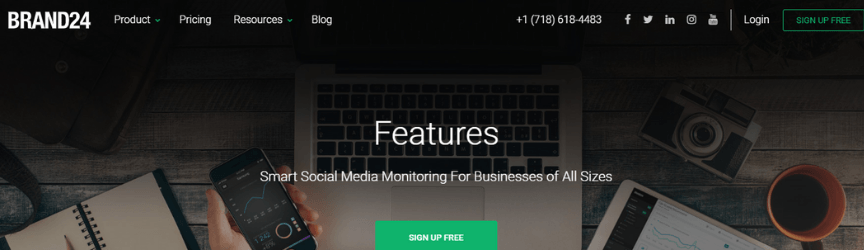 No matter the size of your business, Brand24 can help you monitor your social media in amazing ways. Brand 24 is a social media monitoring tool which enables you to track your competition, manage your online reputation, and provide social analytics. They have four different pricing tiers, but they also offer a free 14-day trial and you get two months free when you sign up.
- Pricing: From $49 – $249 per month, billed yearly
One of the coolest features offered by the tool is the mentions feed, which essentially a feed of discussions about your business on social media. Every time your company is mentioned in a post, it appears in the feed. This is super beneficial to companies that pride themselves on amazing customer service, since it flags you every time you’re mentioned.
For example, if Pizza Hut used this tool, they would see in their feed every time someone complained about a soggy pizza, allowing them to do damage control on the situation ASAP. The platform also offers a discussion volume chart to help you see the trends in discussions about your business, marketing analytics, influence score, sentiment analysis, data exporting, and more.
2. Hootsuite
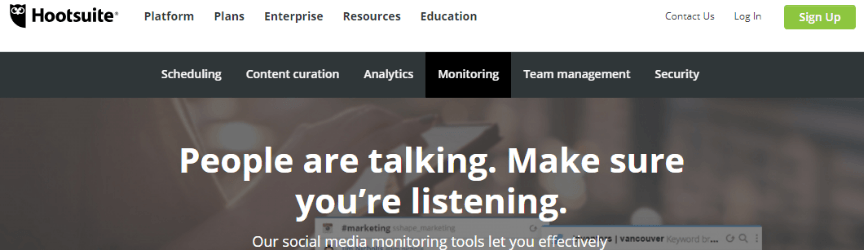 Hootsuite is one of the most well-known social media monitoring and marketing tools out there. With clients like Visa, Penn Mutual, David’s Tea, and so many more, it’s obvious that they’re one of the best in the game. They offer four different pricing tiers, a custom enterprise plan, and a limited free plan — and you can test out Hootsuite with a 30-day free trial.
- Pricing: $49 – $739 per month, or a custom enterprise plan.
You can connect their tool with over 35 social media platforms, which is pretty impressive, and their monitoring tools are equally notable. Hootsuite allows you to set up custom social streams and even search and filter social conversations based on keywords, hashtags, and locations. In addition, Hootsuite offers tons of additional monitoring apps that help you take your social analytics even further.
3. Sprout Social
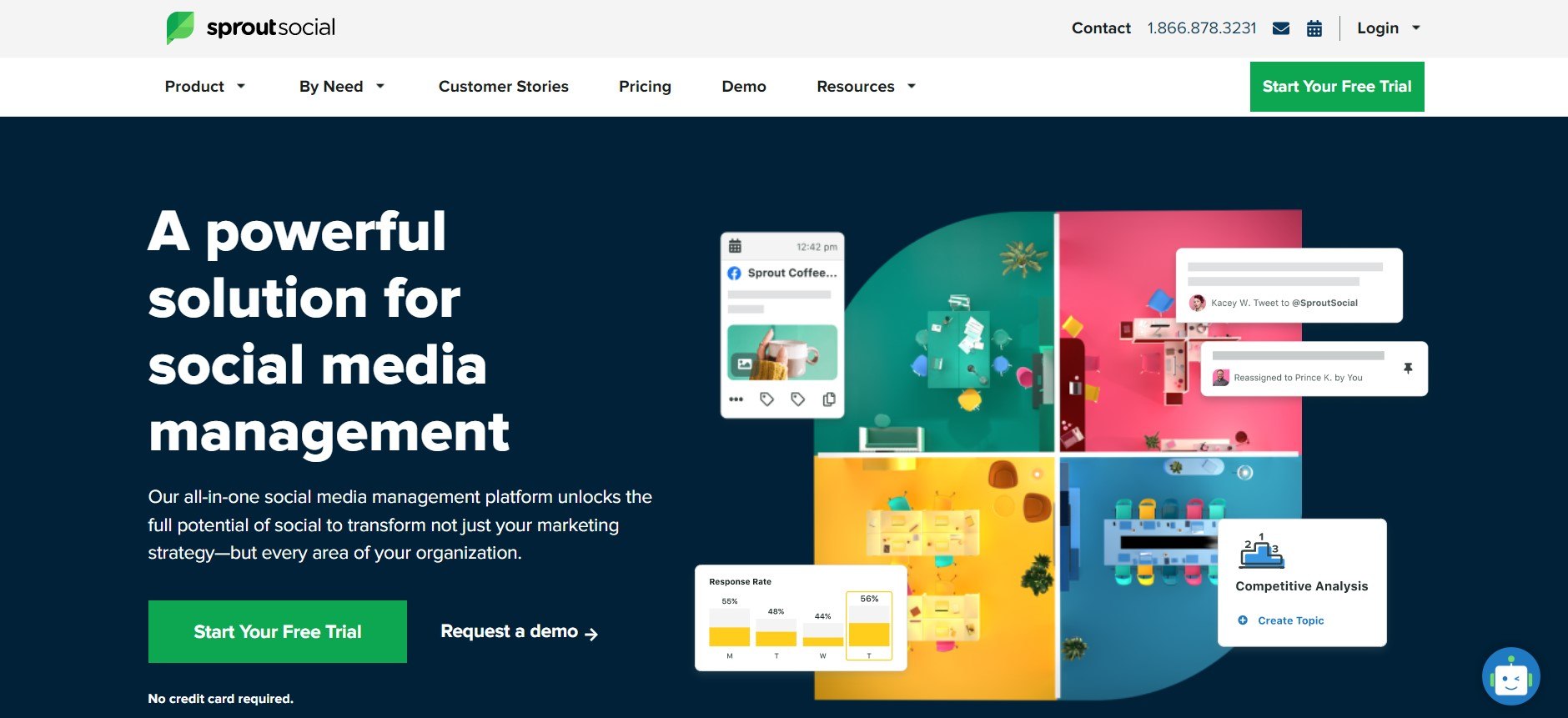
Sprout Social is a powerful social media management and tracking platform that is sure to delight any marketer with this in their toolbelt. Sprout Social enables you to make informed decisions with advanced social media analytics and tracking and you’re also able to streamline your marketing with an all-in-one social inbox. This inbox lets you engage with your audience with post planning, scheduling, and publishing from one place with all the analytics and tracking tools you could need at your fingertips.
Sprout Social has three pricing tiers, from standard users to advanced users, to meet the needs of your business at any size. They also offer a free trial!
- Pricing: From $89 – $279 per month, billed monthly or annually.
What makes Sprout Social even more extraordinary is its ability to allow you even to make your employees or colleagues advocates for your brand online. All this and more solutions like monitoring, listening, and trend tracking in one nifty platform.
If you’re looking for more, look at our resource about the best social media analytics tools to use in 2023.
4. TweetDeck
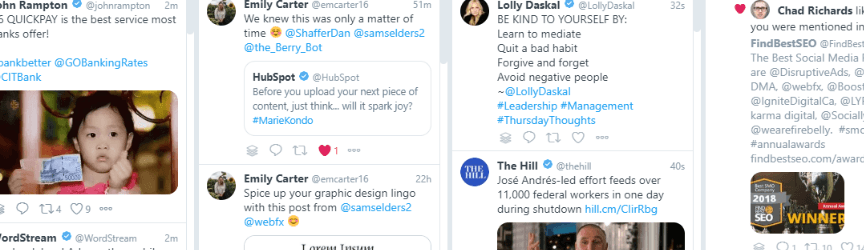
TweetDeck is a great tool for tracking mentions, notifications, hashtags, and so much more on Twitter. Its interface allows you to see all of your information at once, in easy-to-organize column panels. One of the best parts is, you can view information for more than one account on one screen.
This tool offers a great solution for businesses who like to respond quickly to Twitter notifications and mentions. Did we mention it’s totally free to use?
- Pricing: FREE
5. Mention
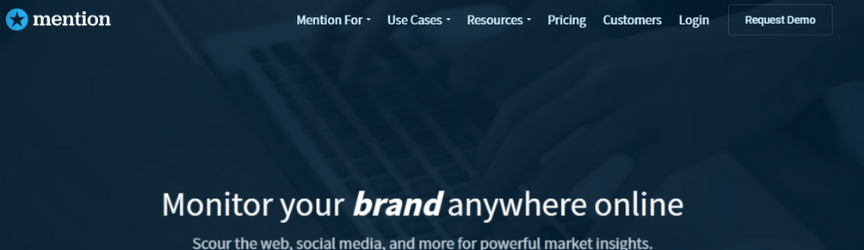 Mention believes that you can accomplish a lot with social media monitoring, and they’re right. On their website, they claim that their monitoring tools can help increase your brand awareness, improve your reputation, and build valuable relationships — and we know they’re right. The platform offers four different pricing tiers and one custom company plan.
- Pricing: Free – €199 per month, or a custom plan billed annually.
This tool integrates seamlessly with Twitter, Facebook, and Instagram and allows you to interact and reply straight from the dashboard. It also allows you to find influencers, collaborate with your social team, and access custom reports and analytics. Mention also offers apps for IOS and Android users, which allow you to see all of your insights straight from your phone.
6. Meltwater
 Looking for artificial intelligence insights? Meltwater is for you. This company claims to have the largest inventory of social media and online content in the business — making it easy for them to provide you with insights that are crucial to your brand.
All of their pricing is custom and based on your specific needs.
- Pricing: Custom based on needs.
The platform allows you to connect with influencers by finding them on social networks, fill you in on all of your social media mentions, and even provide you with one-click reports. Their product features work together to provide you with one of the best social media marketing tools on the market.
7. Keyhole
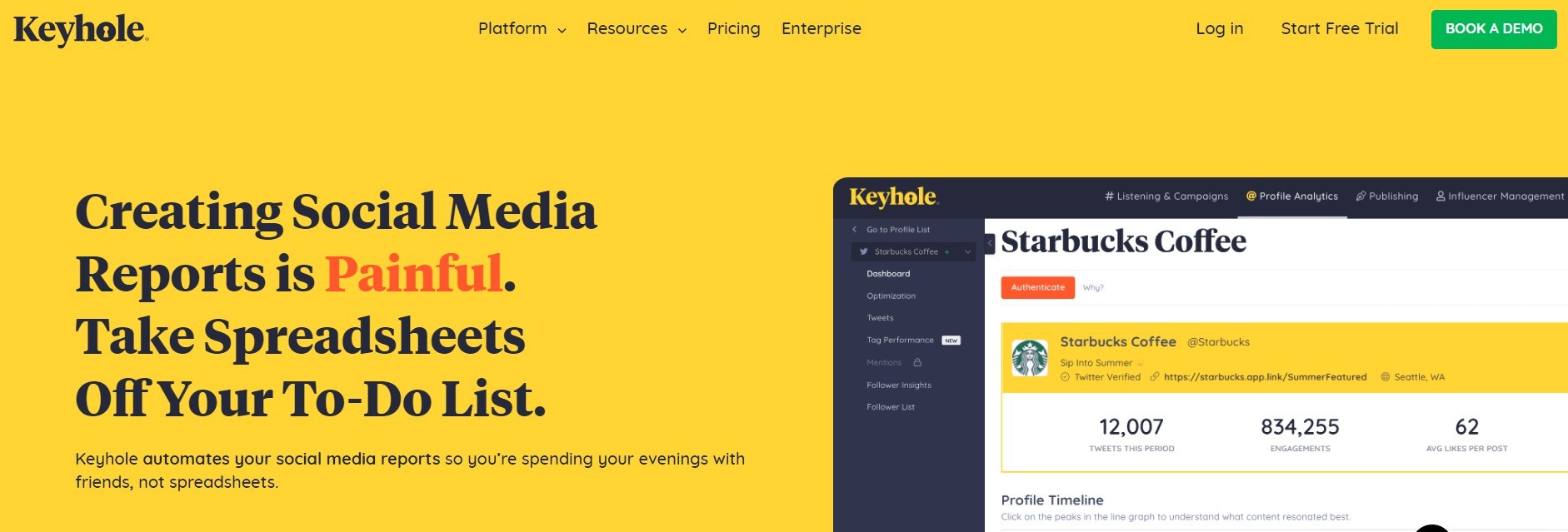 If you’re worried about missing a mention on a social platform, those days are long gone when you use Keyhole. The platform offers only custom pricing based on your specific needs. They also offer a free trial.
- Pricing: Custom based on your needs
The tool allows you to see all of your mentions real-time, along with providing insights into your competitors’ strategies on social media. This is an extremely beneficial feature since it allows you to learn what strategies work and which ones fail on social media within your specific niche. Keyhole also provides real-time analytics to help shape your social strategy.
It includes metrics like growth, engagement, optimization and even insights into custom audiences. They also offer hashtag and keyword analytics which allows you to track your choice of keyword or hashtag in real-time, along with Facebook, Twitter, and Instagram analytics.
Social media monitoring terminology
There are a few terms you’ll need to be familiar with to make the most of social media monitoring tools. Here are some of the terms you may come across when reviewing and using social media monitoring platforms.
Influence
If you find there are customers who have a strong opinion of your brand, it’s important to understand the influence of those customers.
- How many followers do they have?
- Do they get retweets?
- How many external links point to their blog?
- How many comments do their blog posts attract?
Several of the free tools listed include this measurement to assist in your monitoring and response efforts. All the paid options include it.
Sentiment
Are the comments positive or negative? Most current social media monitoring software attempts to assign sentiment to a post automatically.
While this is helpful for brands with tons of mentions, it may not always be accurate, so manual verification and spot-checking are encouraged across the board before making any decisions based on influence data.
Volume
This is simply the amount of “buzz” that exists. Many monitoring tools give the ability to chart volume for specific keywords over time. This gives you a great way to measure the impact of your marketing efforts and social media campaigns, especially when combined with sentiment.
A lot can be learned about your brand and your customers by investigating spikes in social media volumes.
Workflow
Workflow is the process of assigning, tracking, and responding to social media, typically in a team environment. An effective workflow can prevent double responses and missed opportunities.
74% of people use social media when making a purchasing decision.
Make their decision easy with a stellar social media presence. See how your brand can level up by requesting a no-obligation proposal today.
One of our experts will be in touch within 24 hours!

Did you find a favorite social media tracking tool?
With so many options, it can be difficult to determine what social media tracking tool is right for you, your niche, and your specific business. We hope our list of the best social media monitoring tools leads you to find your favorite!
If you didn’t seem to like any of the options on our list, don’t forget to consider an agency to help you monitor your social media platforms! WebFX is a full-service Internet marketing agency, which means we monitor a lot more than just social media platforms. We’re happy to chat with you more about monitoring your social media platforms, no matter your niche. Contact us online or by calling 888-601-5359!
-
 Sam has been writing for WebFX since 2016 and focuses on UX, crafting amazing website experiences, and digital marketing In her free time, she likes to spend time on the beach, play with her cats, and go fishing with her husband.
 -

WebFX is a full-service marketing agency with 1,100+ client reviews and a 4.9-star rating on Clutch! Find out how our expert team and revenue-accelerating tech can drive results for you! Learn more
Try our free Marketing Calculator
Craft a tailored online marketing strategy! Utilize our free Internet marketing calculator for a custom plan based on your location, reach, timeframe, and budget.
Plan Your Marketing Budget
Share this article



Looking for More?
Get expert ideas, industry updates, case studies, and more straight to your inbox to help you level up and get ahead.
"*" indicates required fields
Try our free Marketing Calculator
Craft a tailored online marketing strategy! Utilize our free Internet marketing calculator for a custom plan based on your location, reach, timeframe, and budget.
Plan Your Marketing Budget



