


Adobe AIR has become a popular platform for internet-enabled desktop applications. If you’re a designer, AIR applications will help you with a multitude of tasks that will make your life easier, aiding you in streamlining your workflow. Close to a year ago, we wrote a post on this topic, and since then there have been great advances and even more awesome AIR apps for designers.
This article aims to cover what we didn’t mention previously. In this article, you’ll find terrific applications that will help you in your design and image-editing oriented tasks. If you don’t have Adobe AIR installed, you can download it free from get.adobe.com/air/.
1. ImageSizer
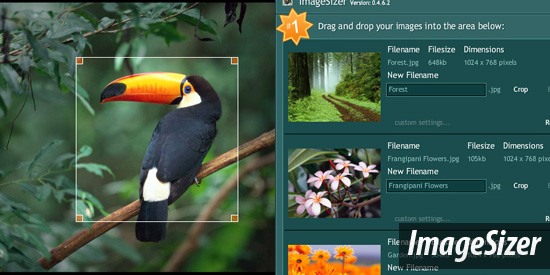 ImageSizer is a batch image processor tool built to resize, optimize and rename multiple JPG files. Once your images are processed, they can be exported as a single ZIP file, making it convenient to transfer groups of images on the internet.
2. Contrast-A
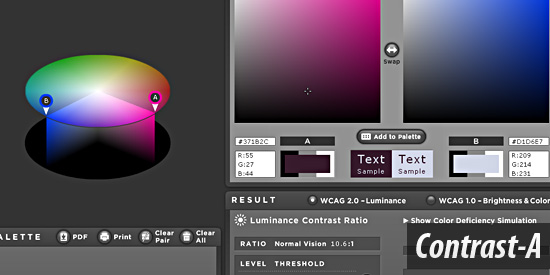 Contrast-A is a great Adobe AIR application for designers wanting to easily create color schemes for their design. The tool comes with a contrast checker based on WCAG standards for accessible color contrast ratios.
3. Color Browser
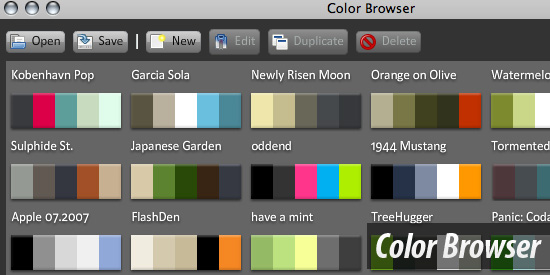 Color Browser is made for archiving and organizing your color palette collections. It is a terrific way to store your favorite color schemes for later use in your designs.
4. Font Picker
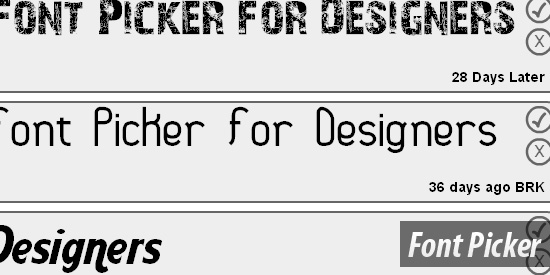 This simple tool helps you pick the best font for a project. Font Picker shows you fonts installed on your computer with customizable sample text for quick and easy font management and selection.
5. XeIMG Image Editor
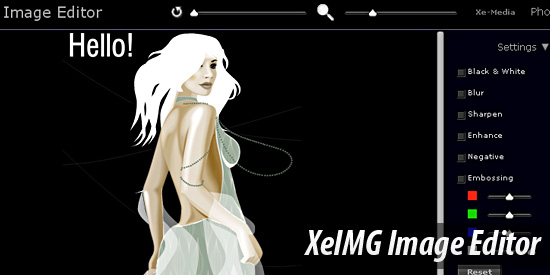 Xe-IMG Editor is a simple and free image editor built on top of the Adobe AIR framework. Because of AIR’s cross-platform capabilities – designers who work with multiple operating systems that need a quick and easy image editor will find this tool helpful.
6. WebKut
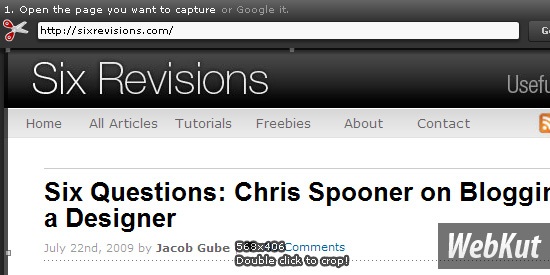 WebKut is a free Adobe AIR application that will enable you to capture web page screen shots (or only certain sections of a web page). The three screen capture options are: the entire page, the current view, or only a selection.
7. SWFShot
 SWFShot is an Adobe AIR based application that allows you to create high-resolution images of Flash content stored on your hard drive.
8. Caliper Project
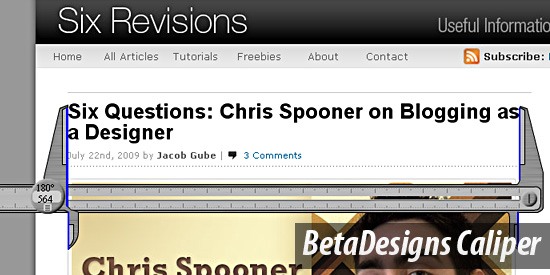 Easily measure things on the screen with the excellent Adobe AIR app called Caliper. Caliper can be overlaid on top of any program – so it’s an awesome tool to use for measuring in between different applications.
9. iPlotz
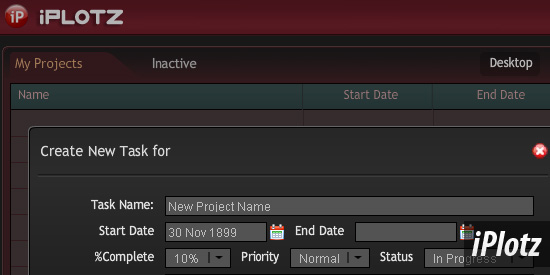 iPlotz is a downloadable Adobe AIR application for wireframing and creating clickable and navigable mockups of websites and app interfaces. It comes with collaboration and project management tools for designers working in teams.
10. Fractal4D
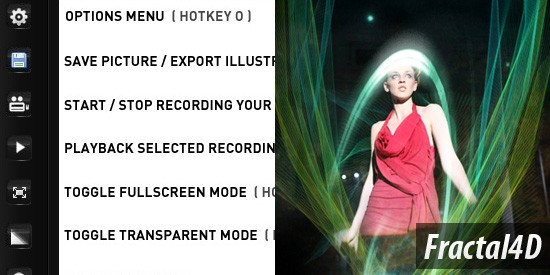 With the Fractal4D Adobe AIR application, you can draw fractal swirls that can then be exported as a vector file or in PNG format. Use the fractals you create to enhance your graphic designs.
11. Designview
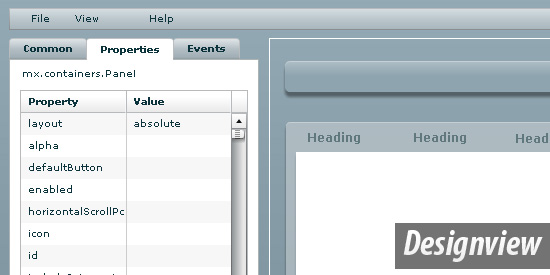 This AIR app is for creating Flex Graphical User Interfaces (GUI) and is great for designers wishing to easily craft interfaces for their Flex-based apps.
12. Splashup Light
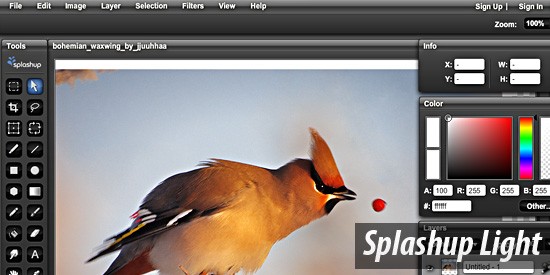 Splashup Light is a simple image editor that allows you to change levels, contrast/brightness, hue saturation, text editing, and shapes. It helps to enhance and improve your existing photos.
13. Mindomo
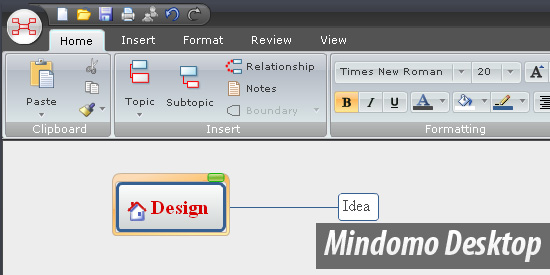 Mindomo Desktop is a mind mapping application which can be deployed onto your desktop and used across Linux, Mac OS, and Windows operating systems. It allows you to work on your mind maps offline.
14. Flickr Desktop Search
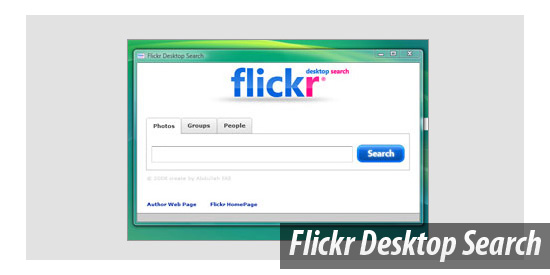 One thing that many designers will often have at hand is a Flickr account for storing their own images and stock photos. With the Flickr Desktop Search tool, you can easily search Flickr for interesting photos.
15. CleVR Stitcher
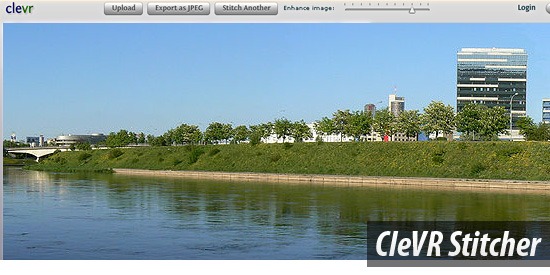 If you’ve ever needed to piece together several photos to create a wide panoramic photo – CleVR Sticher is the Adobe AIR app you’ve been looking for. It also has basic photograph editing capabilities such as an option to correct/adjust exposures (for color matching).
16. ImageDropr
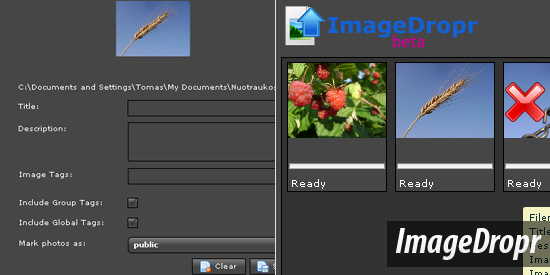 Staying in line with the assertion that designers often have a Flickr account – you should also check out ImageDropr, which is a Flickr tool for easily managing your own photos on Flickr. With it, you can upload, tag, edit your photos’ titles, and more – all from within your desktop.
17. PhotoTable
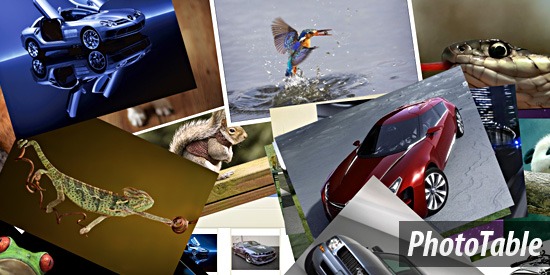 With this simple but highly useful Adobe AIR application, you can easily save images from the web via a drag-and-drop interface.
18. Snoto Photo
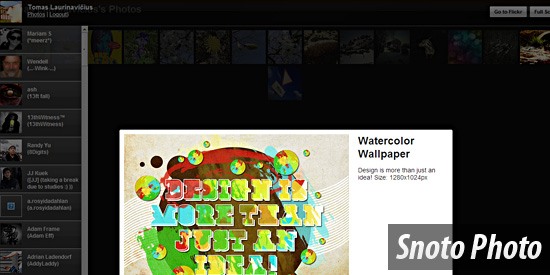 Snoto Photo is a desktop application using Adobe AIR technology for browsing your recent photos and other images. You can also create a slideshow of your photos with AIR app.
19. TiltShift Generator
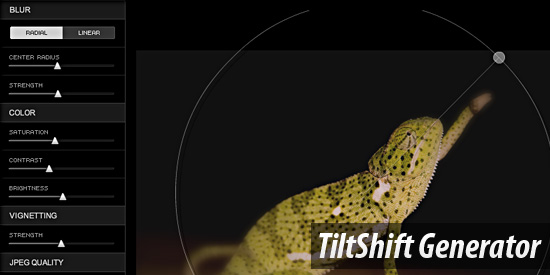 If you’ve ever wanted to create a Tilt-shift image without blowing your hard-earned money on expensive and limited-use photo lenses, check out the TiltShift Generator AIR application.
20. Website Generation Tool Take II
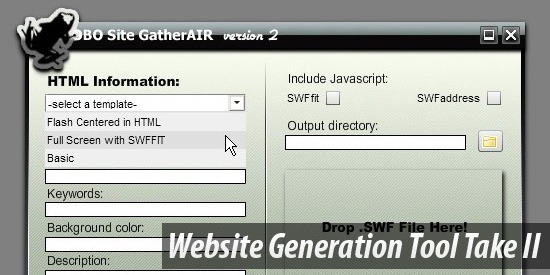 Website Generation Tool Take II is for creating simple site templates for those quick and easy design jobs.
21. zFlick
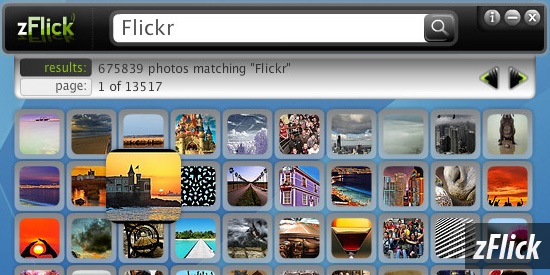 zFlick is a simple desktop application for viewing Flickr images. It enables you to easily search Flickr for that perfect photo. Check out this YouTube video to see zFlickr in action.
22. PixelWindow
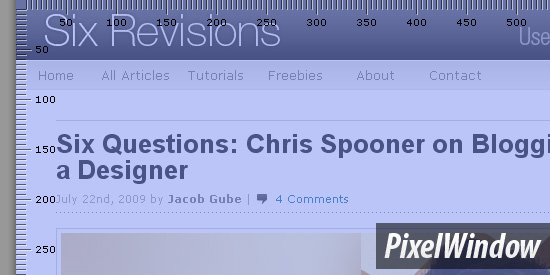 PixelWindow is a straightforward and lightweight AIR application for measuring elements on your screen in pixels.
Got more AIR?
Do you have experience with the tools we’ve discussed? Do you know of an Adobe AIR tool not mentioned here?
Share your thoughts and experience in the comments.
Related Content
-
 President of WebFX. Bill has over 25 years of experience in the Internet marketing industry specializing in SEO, UX, information architecture, marketing automation and more. William’s background in scientific computing and education from Shippensburg and MIT provided the foundation for MarketingCloudFX and other key research and development projects at WebFX.
 -

WebFX is a full-service marketing agency with 1,100+ client reviews and a 4.9-star rating on Clutch! Find out how our expert team and revenue-accelerating tech can drive results for you! Learn more
Make estimating web design costs easy
Website design costs can be tricky to nail down. Get an instant estimate for a custom web design with our free website design cost calculator!
Try Our Free Web Design Cost Calculator
Share this article




Web Design Calculator
Use our free tool to get a free, instant quote in under 60 seconds.
View Web Design CalculatorMake estimating web design costs easy
Website design costs can be tricky to nail down. Get an instant estimate for a custom web design with our free website design cost calculator!
Try Our Free Web Design Cost Calculator



