


 Google Chrome is a wonderful web browser of choice for web designers and web developers because it offers so many extensions that are helpful for website design. With Google Chrome extensions, you can add more features to the browser to help you with designing, debugging, and working on websites. We share with you the top ten Chrome extensions for designers and developers.
1. Firebug Lite (for Google Chrome)
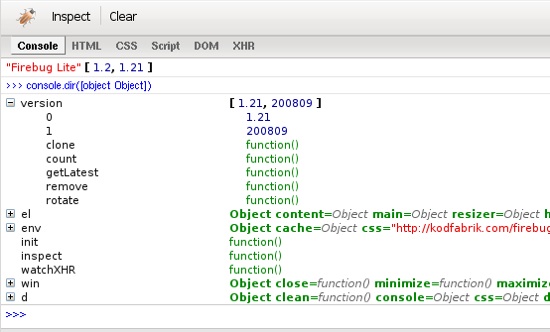 Firebug Lite (for Google Chrome) is an extension that sets up Firebug Lite in the browser. Although the built-in Developer Tools in Chrome gives you relatively the same features of Firebug (and more), long-time Firebug fans will appreciate this extension for debugging and testing their work in Chrome.
2. Web Developer
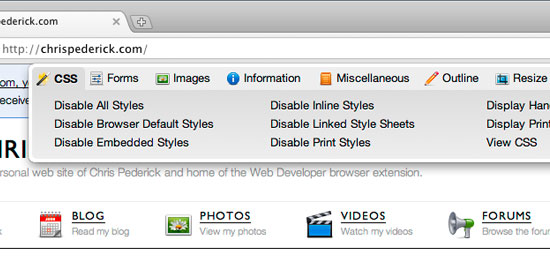 Chris Pederick’s Web Developer toolbar is a long-time favorite among web designers and front-end developers. Originally created for Firefox, it has been ported to Chrome with a slicker interface. It has loads of options for examining and understanding web page layouts, including showing block element stacking orders, displaying CSS style information about certain elements, browser cache controlling, and much more.
To learn some Web Developer toolbar tips and tricks, see the following posts:
- Awesome Things That Web Developer Extension Can Do
- Ways to Enhance your Web Development Using the Web Developer Extension
3. Resolution Test
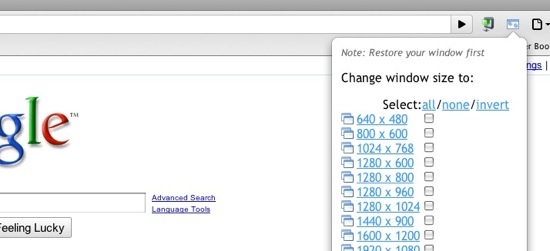 Resolution Test is an extension for testing web pages in different screen resolutions, with an option to define your own custom resolutions. This is very handy in making sure that your web design looks great under different monitor sizes.
4. Pendule
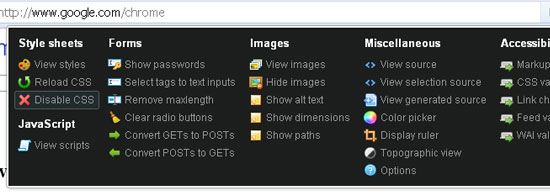 Pendule extends the built-in Developer tools in Google Chrome. The extension gives its users plenty of features such as one-touch markup validation using W3C’s automated web services, hiding images on a web page, viewing scripts included in a web page, and more.
5. PlainClothes
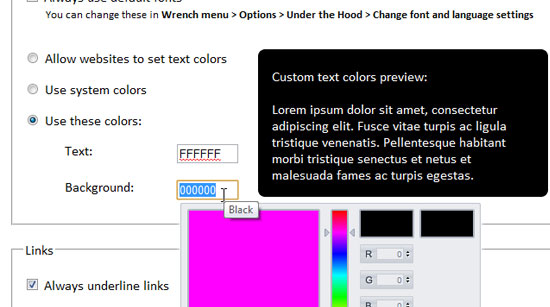 One of the best ways to evaluate the accessibility of a web page is to remove its CSS styles and see if content being presented is still readable without them. This simulates the experience of a user who cannot see their monitor screen and have to rely on the web page’s markup to access the content. PlainClothes does one thing well; it removes all CSS styles on a web page.
Though created primarily for web development testing, you can use this extension to view your favorite styles unstyled (so that the boss doesn’t catch you browsing Digg when you should really be finishing up that JavaScript function).
6. Image Cropper
 If you want to take certain portions of a web page, Image Cropper is the simple, no-frills Chrome extension for you. Just drag around the area you want cropped, and it’ll take just that part of the web page. Need pixel-perfect accuracy?
It displays the dimension and location of your crops to help you get just the size you need.
7. Lorem Ipsum Generator
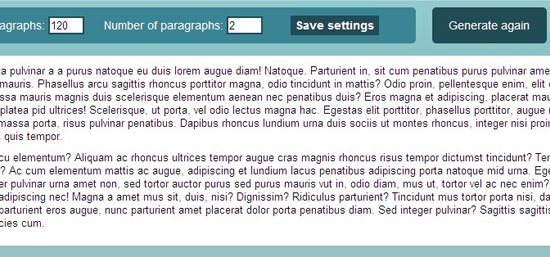 This extension prides itself in being minimalist and simple—and that’s good because there’s no reason generating Lorem Ipsum text should be a convoluted affair. Lorem Ipsum generator helps you fill up your design mockups with dummy text for presentation purposes.
8. IE Tab (for Windows)
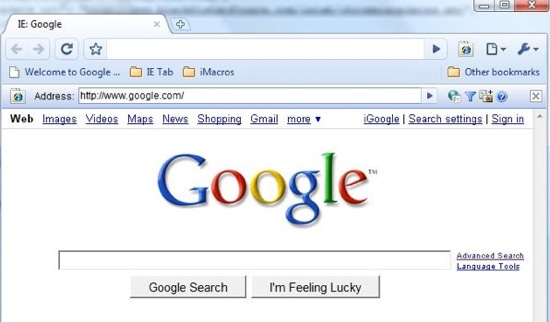 Troubleshooting in Internet Explorer’s proprietary Trident layout engine is not a fun ordeal. With IE Tab, you can at least save some time from having to use Internet Explorer (and its limited list of extensions) for debugging rendering issues in your work.
9. jQuery Shell
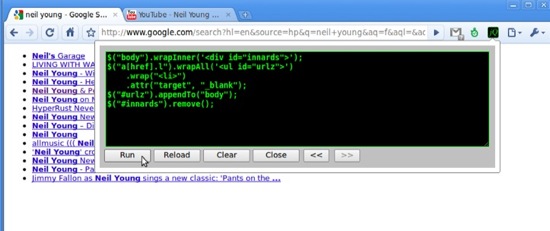 jQuery Shell allows you to run JavaScript and jQuery commands in the context of the current web page. It’s a great extension for learning and experimenting with jQuery.
10. Color Picker
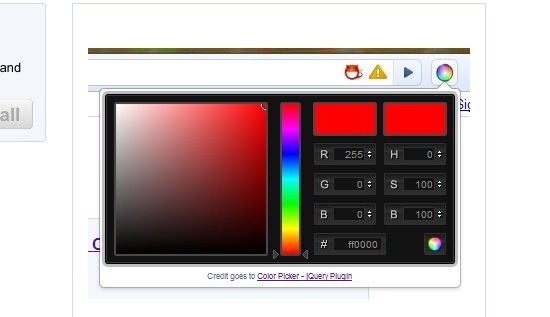 This one-trick Chrome extension does one thing really well: quickly getting the Hex and RGB values of any color on any web page. It can be very helpful in determining what colors your favorite website uses without having to take a screen grab of it into Photoshop and using the Eyedropper tool.
11. WebEdit
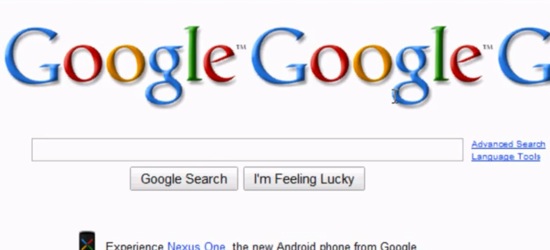 With the WebEdit Chrome extension, you can make any web page editable (the changes you make, of course, will not be saved). Why would this extension be helpful? If you are creating a website and want to play around with elements without making any significant changes to the code, this extension can come in very handy.
12. Chrome Sniffer
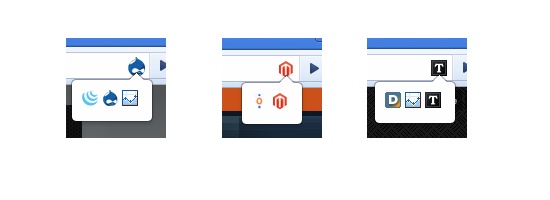 Have you ever wondered what technologies, frameworks, and open source apps a website is using? Experienced web developers can find this out by studying the site’s source code, but if you want a more convenient and quick way of doing this, then check out Chrome Sniffer. Chrome Sniffer lists all known JavaScript framework/libraries (jQuery, MooTools, etc.) and CMS (Drupal, WordPress, etc.) that a website uses.
13. Webpage Screenshot
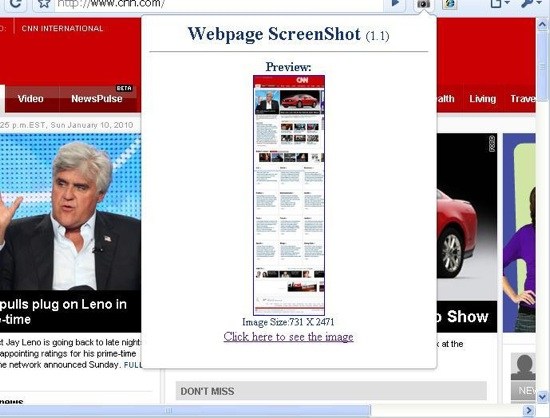 A common task for web designers is taking screen grabs of web pages. With Webpage Screenshot, you can capture an entire web page, even if it spills outside of the browser’s viewport. It gives users the opportunity to resize the window before capturing and saves the screen grab as a PNG file.
14. Eye Dropper
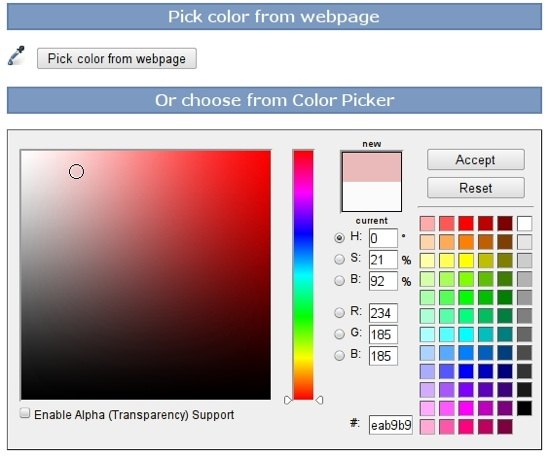 Eye Dropper is a Google Chrome extension that gives you the ability to determine a color on any web page. What’s more is that it presents a color wheel and color swatches (found in most graphics software) so that you can experiment, tweak and pick colors.
15. SEO Site Tools
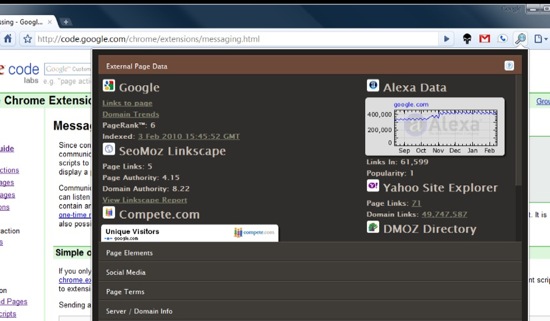 A well-formed web page with great markup ultimately leads to awesome search engine results. However, if you would like to evaluate your website in terms of known search engine optimization factures, try out the SEO Site Tools, a Chrome extension that gives you a plethora of useful tools and features for evaluating SEO. It can pull tons of on-page and off-page metrics, social media information, and more.
Real Advice
Utilizing these extensions can save web developers and designers a ton of time and make them much more efficient at their job. If you are looking for a company that is both efficient and professional for a web design project, look no further than WebFX in Harrisburg, PA. Here’s an example of their expertise in designing websites for hotels.
This is one of numerous industries they specialize in.
Related Content
- 10 Web Browsers You Probably Haven’t Heard Of
- Performance Comparison of Major Web Browsers
- Top 6 Internet Explorer Extensions for Web Developers
- Related categories: Tools and Web Design
-
 President of WebFX. Bill has over 25 years of experience in the Internet marketing industry specializing in SEO, UX, information architecture, marketing automation and more. William’s background in scientific computing and education from Shippensburg and MIT provided the foundation for MarketingCloudFX and other key research and development projects at WebFX.
 -

WebFX is a full-service marketing agency with 1,100+ client reviews and a 4.9-star rating on Clutch! Find out how our expert team and revenue-accelerating tech can drive results for you! Learn more
Make estimating web design costs easy
Website design costs can be tricky to nail down. Get an instant estimate for a custom web design with our free website design cost calculator!
Try Our Free Web Design Cost Calculator
Share this article




Web Design Calculator
Use our free tool to get a free, instant quote in under 60 seconds.
View Web Design CalculatorMake estimating web design costs easy
Website design costs can be tricky to nail down. Get an instant estimate for a custom web design with our free website design cost calculator!
Try Our Free Web Design Cost Calculator



