




We all should be aware by now that Internet users are impatient when it comes to waiting for a web page to load. Thus, your website’s performance and ability to render speedily is critical to its usability and, ultimately, its success.
Site speed not only hurts user experience, but it also has a direct impact on SEO, so it doesn’t matter if you are an auto parts retailer or a school, it should be something you monitor. In order to help you build faster websites and identify troublesome website performance bottlenecks, consider incorporating some of the following tools into your web development process.
Tip: It might be a good idea to use several of these website speed-testing tools so that you can obtain a better picture of site speed issues.
Heck, they’re free, so why not?
1. Page Speed Online
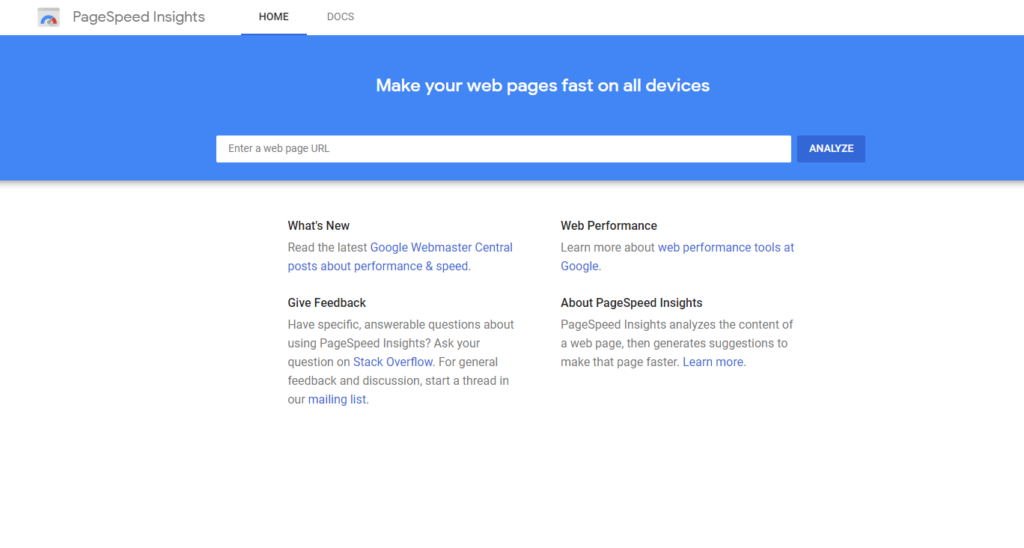 Google’s Page Speed Online — which is a web-based adaptation of the popular Google Chrome web development browser extension, Page Speed — analyzes your website’s performance under Google’s Web Performance Best Practices (a set of rules for optimal front-end performance). You can gain lots of information from this handy web tool – it even includes a report for mobile device best practices for optimal performance.
2. SERP Racer
If you’d like to know how you stack up against your competitors when it comes to page speed, give SERP Racer a try. Just enter a keyword that you rank for or want to target, and this web page speed checker tool will compare the page speeds of the top-ranking pages. This information will tell you how fast your page needs to be to beat out your top competitors.
3. Pingdom Tools
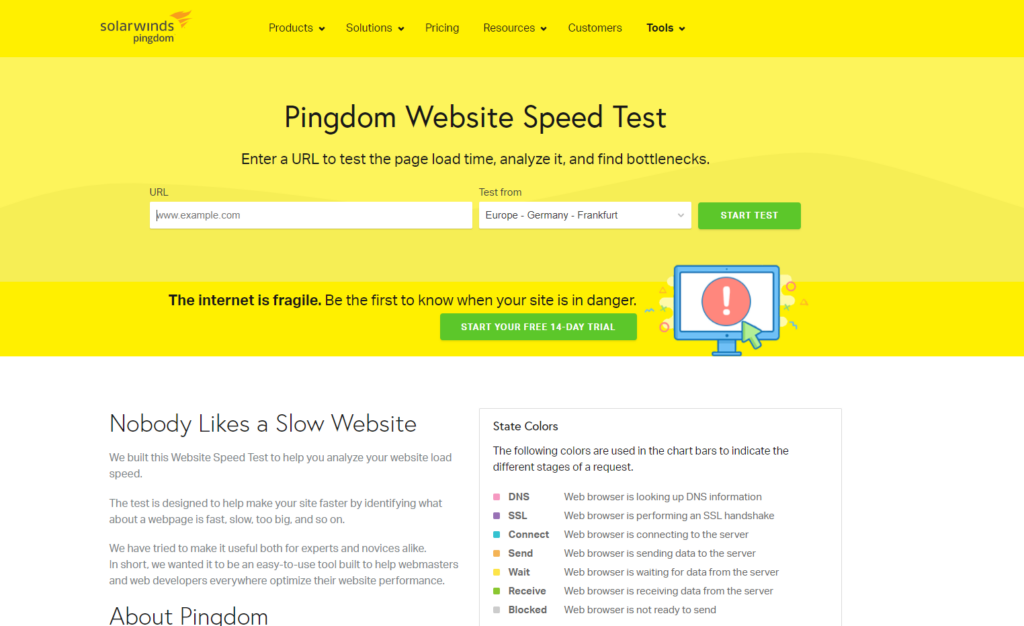 This free online website speed-testing tool by Pingdom (a server, network and website monitoring service) provides you with several reports such as a breakdown of how long each web page object (e.g. images, style sheets and JavaScript libraries) takes to download and performance grades for things like browser caching. Another useful report is a page analysis that provides information on load time, page size and requests.
4. Free Website Performance Test (BrowserMob)
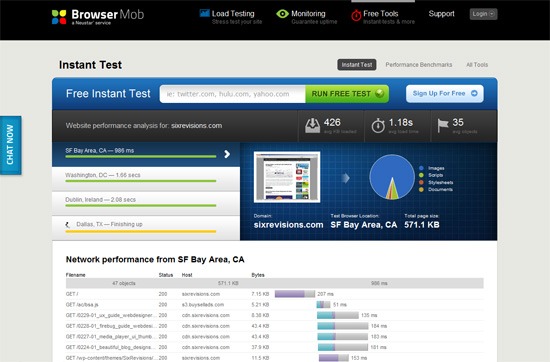 This free website speed and performance testing tool by BrowserMob, a company that offers website load testing and monitoring service, gives you a ton of information about your web page speed such as average load time, total page weight and number of page objects. It pings your web page from four locations so that you can get a global view of your website’s performance.
5. Which loads faster?
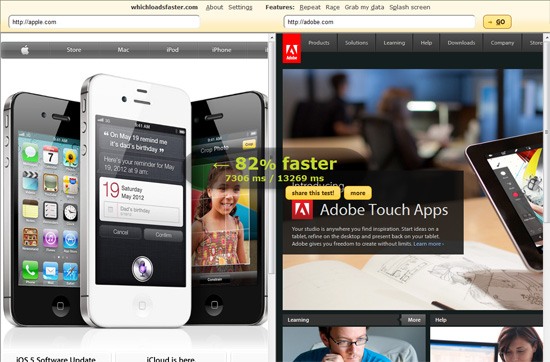 This interesting tool pits two websites against each other in terms of loading time; for example, you can find out if Google loads faster than Bing does by using this tool. This can be a simple tool for comparing whether your website performs better or worse than competing sites. This open source tool (view the source on GitHub) was originally created to promote the importance of web performance.
6. WebPagetest
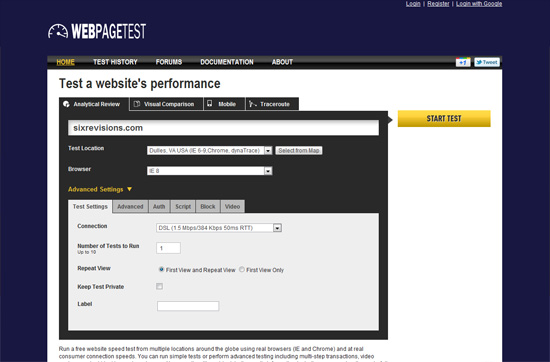 This nifty online tool tests your web page’s rendering speed in real browsers (Chrome, Firefox and IE) and gives you a choice of conducting the test from several locations around the world. It also has advanced settings with options for simulating common Internet connection speeds (e.g. DSL and 56K dial up) and ad-blocking so you can see the performance cost of running ads on your site.
7. Web Page Analyzer
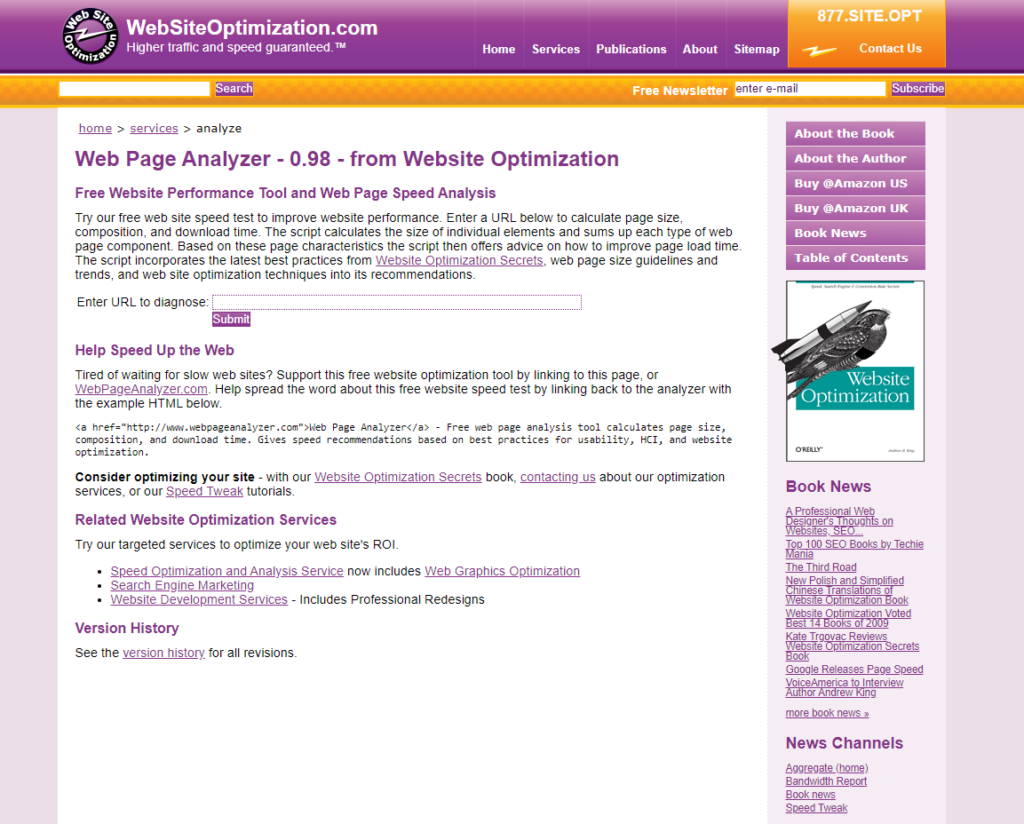 This simple web page speed test analyzer — probably one of the oldest tools out there with its first version released in 2003 — gives you data on your web page’s size, assets and load time. It also supplies you with recommendations on things you can make better.
8. Keycdn
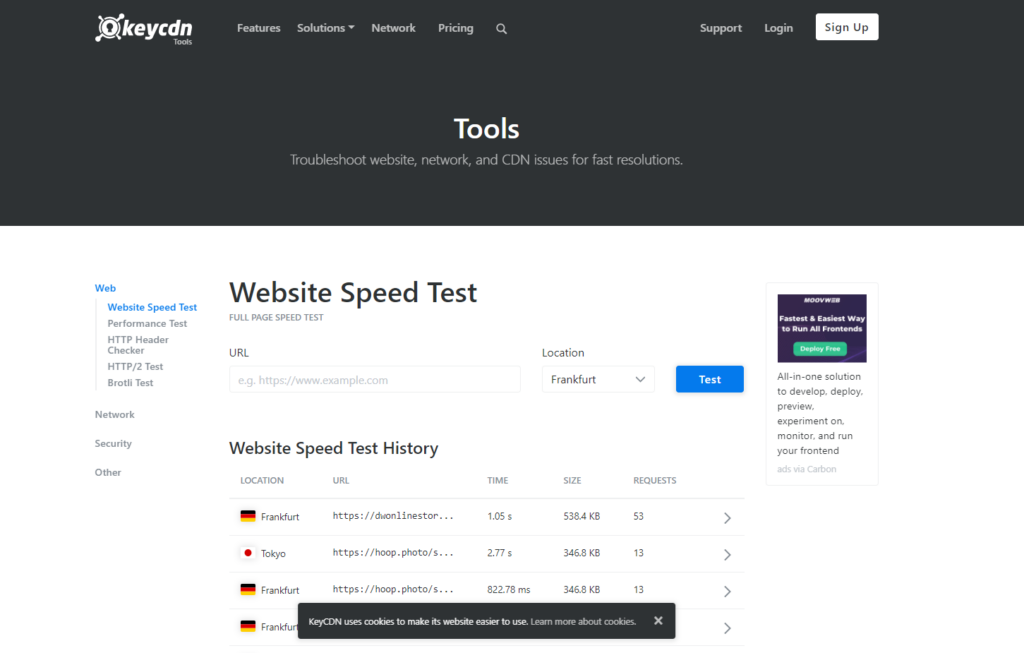 Keycdn’s free testing tool allows you to see how your site speed is performing in different locations across the globe.
9. SiteSpeed
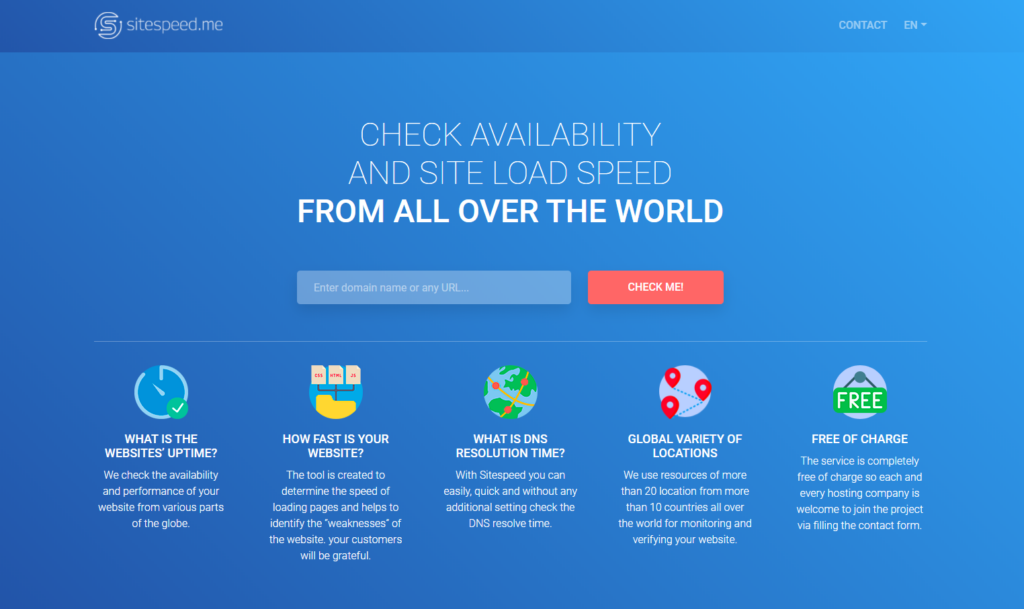 This web-based website speed testing tool displays relevant data on page-rendering time, such as total download time, number of connections made and number of requests made. It also has some bonus features, such as being able to run the test even if the web page has HTTP authentication (simply supply it with the password to the page) and the ability to simulate different types of Internet connections.
10. K6
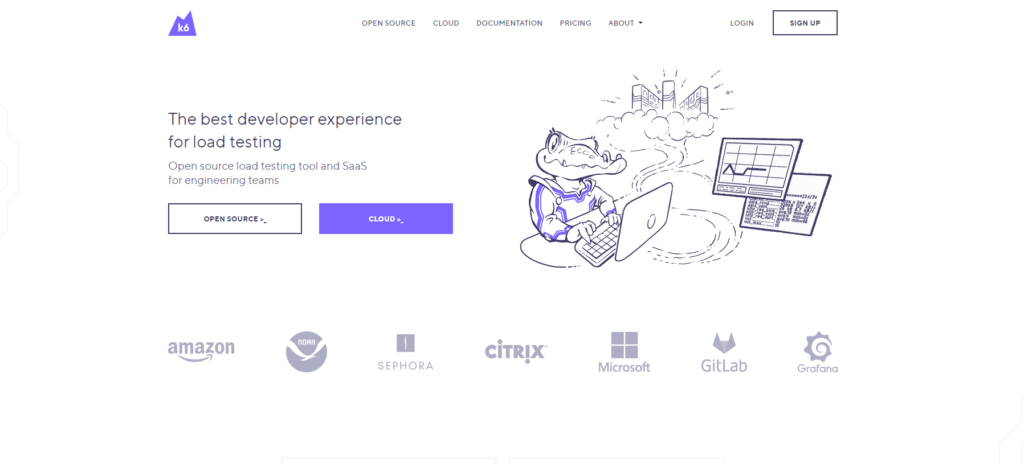 K6’s free online load testing and performance tool gives you plenty of data on your website’s ability to handle website traffic. This online web performance evaluation tool has the ability to show graphed data such as user load time (simulated by an automated virtual machine) and requests per second (helpful for seeing how durable your web server is and how fast it can handle web page requests).
11. OctaGate SiteTimer
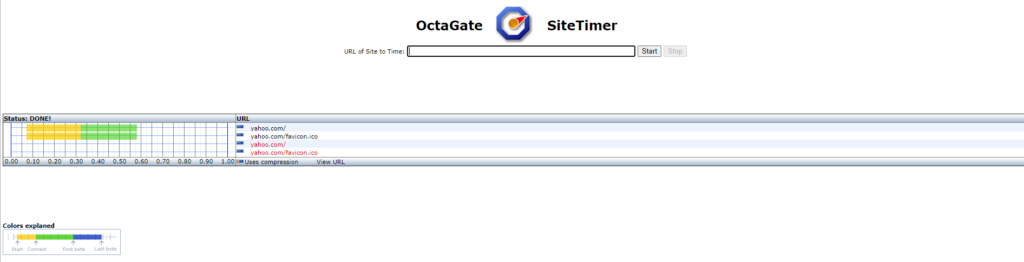 OctaGate SiteTimer is a rather straightforward online tool: you plug in the URL you want to test and, in turn, it will output a bar graph featuring all web page objects containing information such as download start times, end times and duration for each. This tool is beneficial for quickly discovering slow-loading page objects so that you can optimize them to improve website speed.
Other Website Speed Testing Tools to Check Out
-
Web Site Performance Test (Dynatrace ~ free trial)
A real-time site performance tool displaying information on things such as DNS lookup time and connection time. 
Similar to the Which loads faster? tool mentioned above, this web tool will compare the site performance of two websites. 
Provides basic data on page speed, but from 35 different locations. 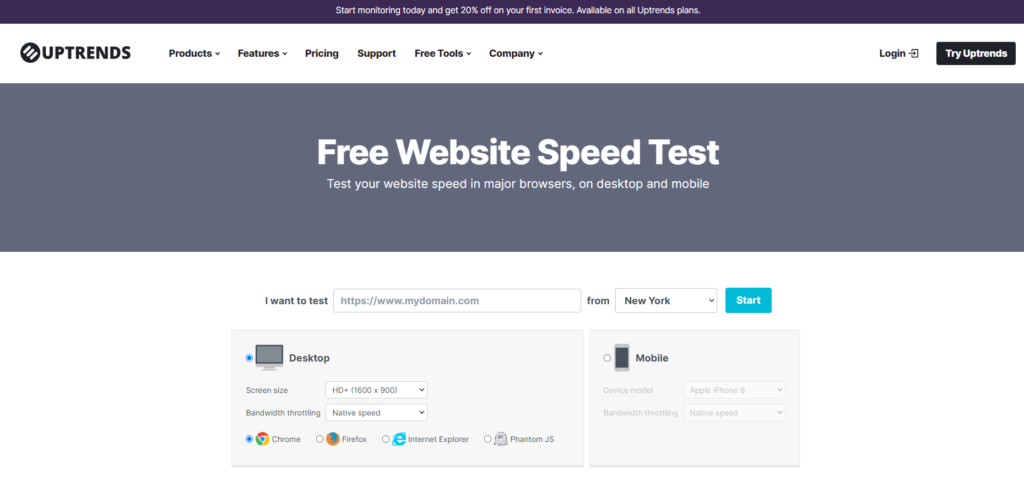
-
GTmetrix –
An online tool that uses YSlow and PageSpeed to evaluate your website’s front-end performance, giving you easy-to-understand information. 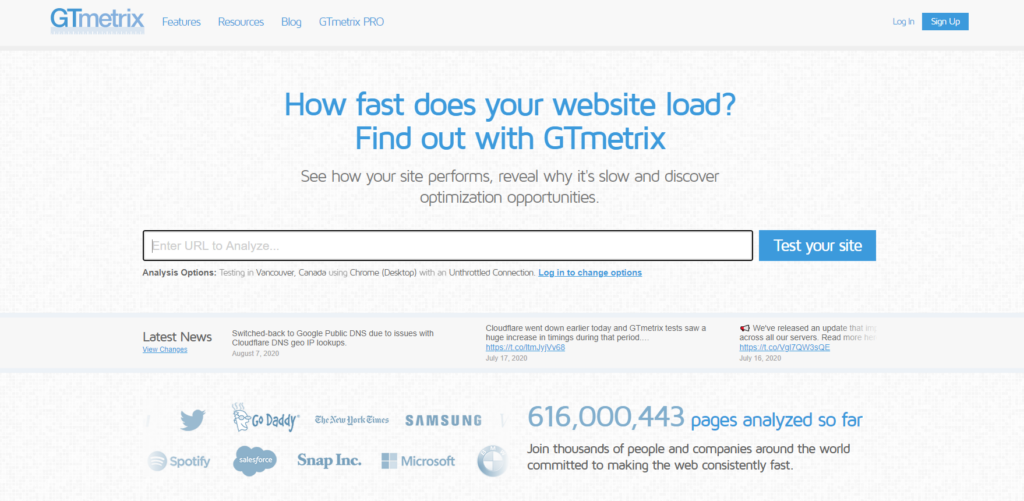
-
Website Speed Test (WebToolHub)
A rather basic online tool that provides data such as page size, load time, download speed and average speed in tabular format. 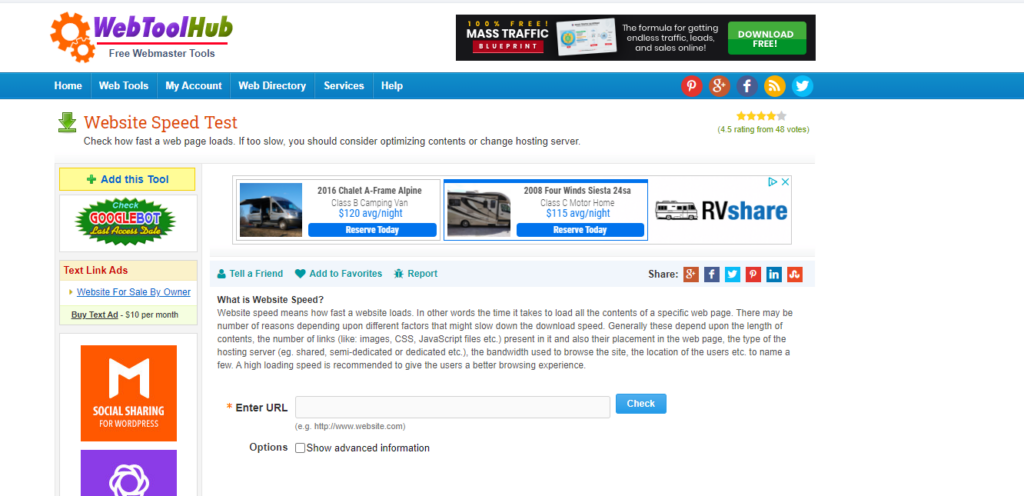
This tool will scan a web page and gather data pertaining to web performance. You are required to provide and verify your email address in order to run tests. 
A web-based site speed tool that allows you to run tests on 10 URLs all at once. 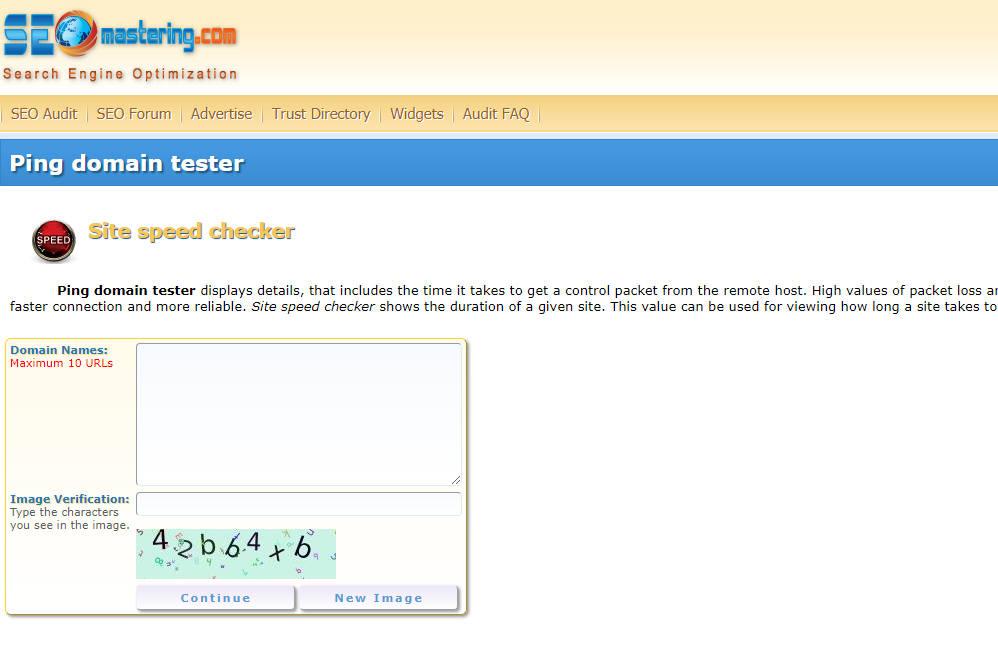
This simple website speed testing tool gives you the option to enter up to 10 URLs to run tests on simultaneously. 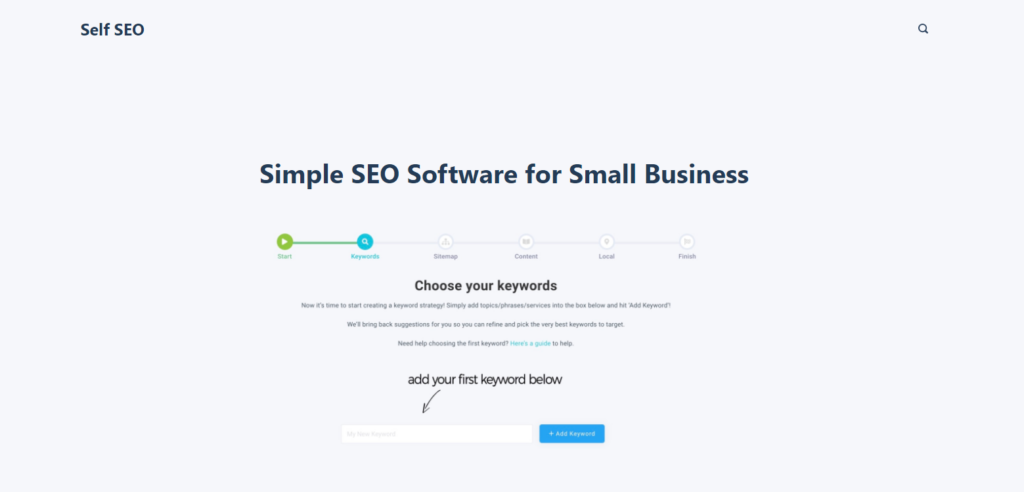
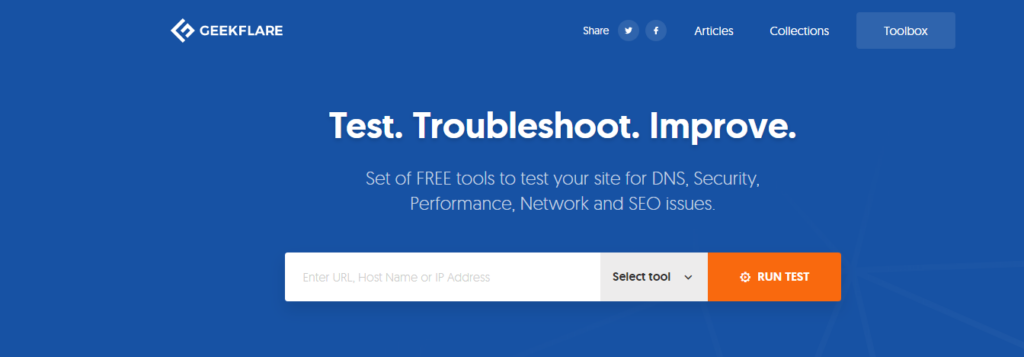 Geekflare is a free testing tool that allows you to test things like load time, time to 1st byte, page size, and the breakdown of your content. If also offers multiple tests to choose from, making it a great tool!
Sucuri looks at how long it takes to load one page of your site fully. It’s simple, free, and easy to use. 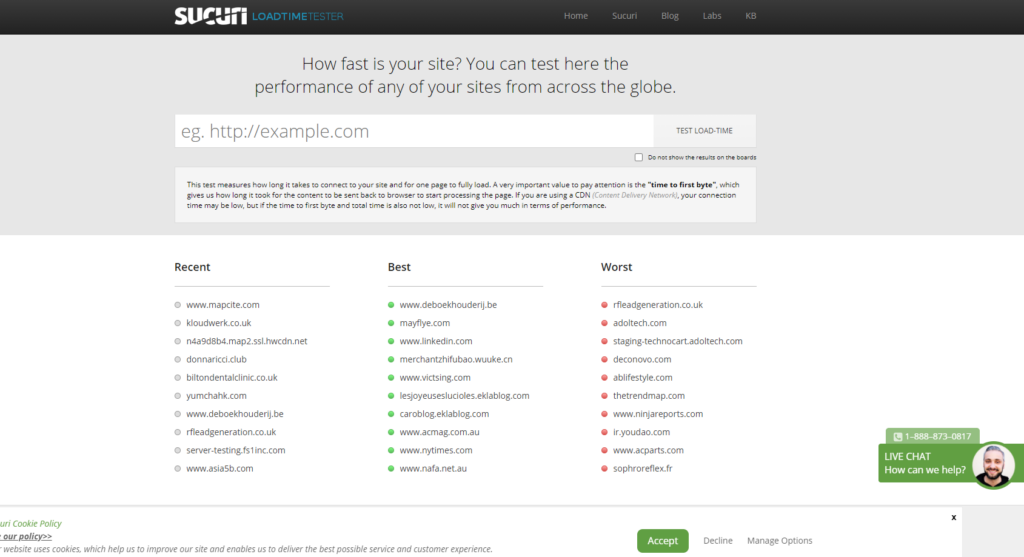 For more tips on improving page speed, as well as other similar website parameters, check out this video or related content and recommended articles below.
Related Content
- 10 Ways to Improve Your Web Page Performance
- Performance Comparison of Major Web Browsers
- 10 Free Server & Network Monitoring Tools that Kick Ass
- Related categories: Tools and Web Development

-
 President of WebFX. Bill has over 25 years of experience in the Internet marketing industry specializing in SEO, UX, information architecture, marketing automation and more. William’s background in scientific computing and education from Shippensburg and MIT provided the foundation for MarketingCloudFX and other key research and development projects at WebFX.
 -

WebFX is a full-service marketing agency with 1,100+ client reviews and a 4.9-star rating on Clutch! Find out how our expert team and revenue-accelerating tech can drive results for you! Learn more
Make estimating web design costs easy
Website design costs can be tricky to nail down. Get an instant estimate for a custom web design with our free website design cost calculator!
Try Our Free Web Design Cost Calculator
Share this article




Web Design Calculator
Use our free tool to get a free, instant quote in under 60 seconds.
View Web Design CalculatorMake estimating web design costs easy
Website design costs can be tricky to nail down. Get an instant estimate for a custom web design with our free website design cost calculator!
Try Our Free Web Design Cost Calculator



