




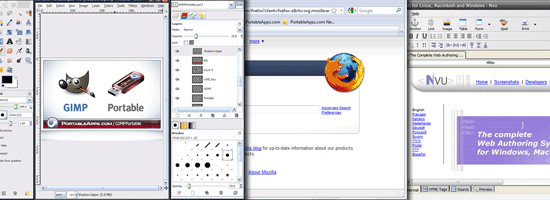
 A web designer must always have his or her tools handy. Of course, that is most often the case when you’re working from home or from an office where you have your own work computer. But if you are constantly on the move or are doing a lot of demonstrations to your customers at their place of business, you’ll need to carry your programs with you.
Scenarios That Benefit the Use of Portable Apps
Most designers just carry their laptop with them.
But that is not always possible, and many times, the client wants you to show them how the site or application will look on their own computer, projector and other equipment. In addition, there are those unfortunate times when your computer crashes and breaks with all the data on it and no ways to retrieve it. In those cases, a good backup (or even primary) solution is to carry your own toolset on a portable flash/USB drive.
The Feasibility of Using Portable Apps
There are a lot of great applications for web designers that will work without needing any installation, and they make an excellent choice for a portable USB drive.
With today’s USB stick sizes and prices, you can easily have all your work with you in your pocket at all times, and be able to work from any computer without needing anything else. Here are some of the best portable apps for web designers that are a must-have.
1. KompoZer Portable
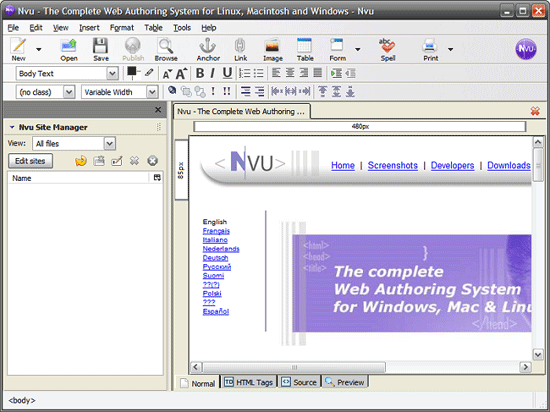 KompoZer Portable (previously known as Nvu Portable) is an amazing HTML editor that rivals the functionality of Dreamweaver. Sure, it doesn’t look as good, but it’s much better than Notepad if you want any advanced features and easy code editing functionalities.
2. Firefox Portable Edition
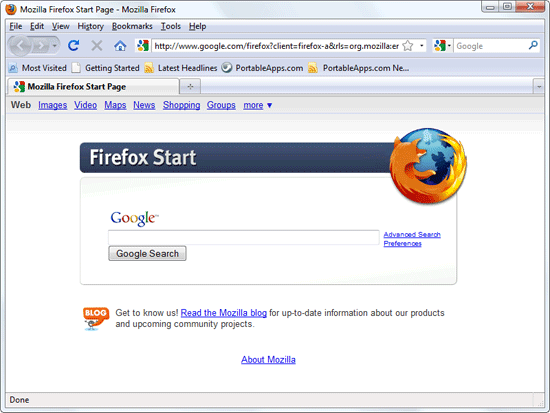 Firefox, a popular web browser amongst web designers with its impressive collection of add-ons, has a portable version that you can carry around your USB drive. It’s just like the regular version, but doesn’t need to be installed on your operating system.
3. XAMPP Portable
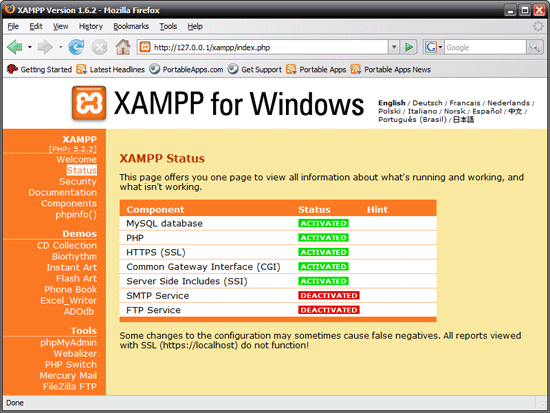 XAMPP is a great local server (learn all about it in this tutorial), and the portable version does its job amazingly well. It works fine no matter what computer you insert your flash drive in, and you can easily see exactly how your site will look when loaded from a server in a browser. You can be anywhere without an internet connection and still have a working site.
Got a web app you need to demo somewhere in the middle of the Mojave Desert? Have XAMPP Portable and any computer handy and you’re good to go.
4. GIMP Portable
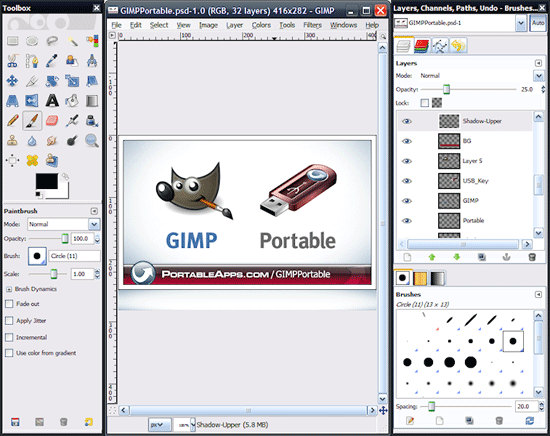 GIMP is a free alternative to Photoshop, and as you could’ve guessed from the title of this article, it also has a portable version. If you’re used to Photoshop, you might find it difficult to adjust to GIMP’s interface at first, but if you need a portable app that is as powerful as Photoshop, there is no other better alternative.
5. AMP Font Viewer
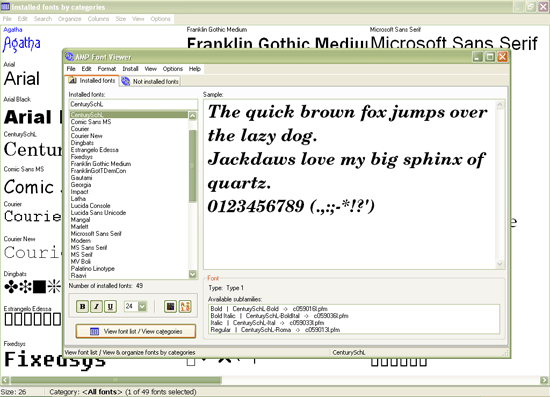 This is a simple yet powerful portable font manager that lets you view all the fonts that are installed on a computer. It also allows you to quickly install and uninstall the fonts you need.
6. 7-Zip Portable
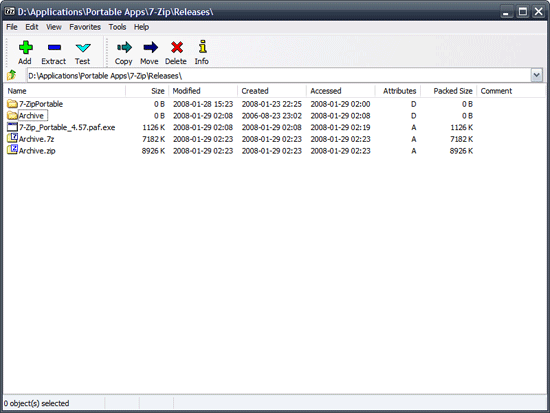 7-Zip is a popular open source file archiver that handles many types of formats, including ZIP, RAR, TAR, GZ, and more. As web workers, we always have to deal with various types of archives and — just like a Forrest Gump’s box of chocolates — you never know what you’re gonna get. 7-Zip Portable allows you to be flexible and prepared for opening and creating archives.
7. PhotoFiltre
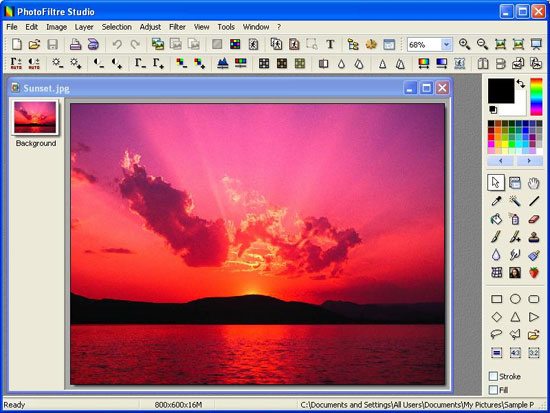 PhotoFiltre is a simple image-retouching tool and it allows you to do basic image editing on any digital image format. This portable app is a good companion to GIMP as it’s easier to perform quick edits. Use it over GIMP if you just need to perform quick and easy retouching, such as cropping and resizing.
8. Inkscape Portable
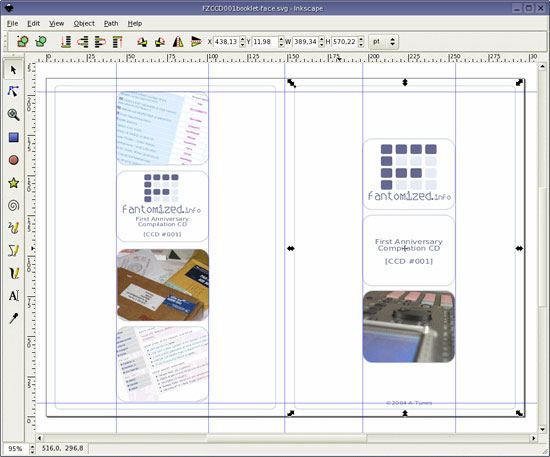 Inkscape is an open source vector graphics editor that rivals Adobe Illustrator and looks and acts like Corel Draw (if you ever used Corel Draw, you’ll know what I mean when you fire up Inkscape). It is standards-compliant and its portable version is the most powerful around.
9. AbiWord
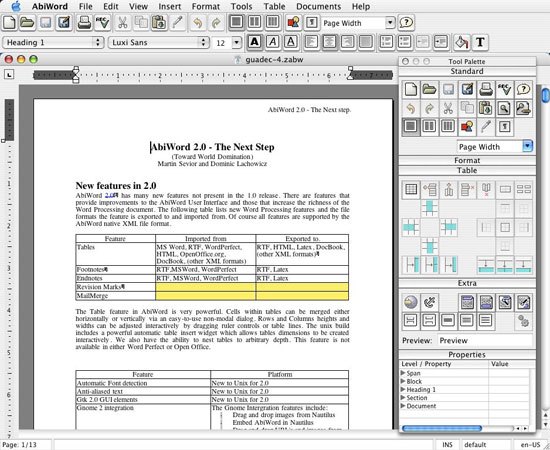 Most people, including your web design clients, probably use Microsoft Word docs for rich text files: It’s the accepted standard. But it’s quite hard to find a good portable .doc file editor. If you need a lightweight and easy alternative to OpenOffice Portable, AbiWord is the way to go.
10. PicPick Tools
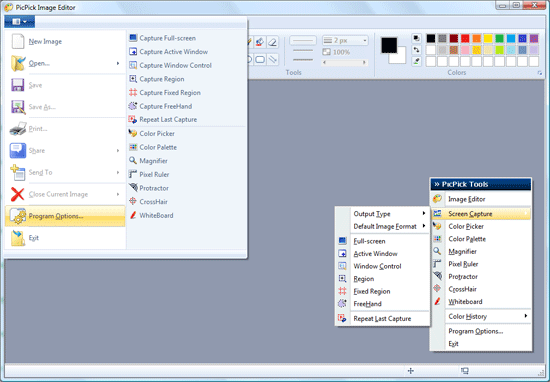 This is an all-in-one tools package for web developers, designers and programmers. There are a lot of tools included in PicPick Tools, from screenshot capturing to picture editing.
11. MobaPhoto
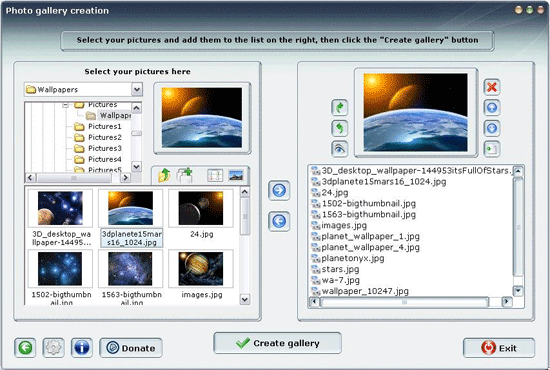 MobaPhoto is a free and open source image manager that doesn’t require an installation (otherwise, Google’s web-based Picasa would be a great choice). This web design tool doesn’t look very nice, but it gets the job done. It’s very useful when you have tons of photos to manage and keep track of.
12. ToDoList
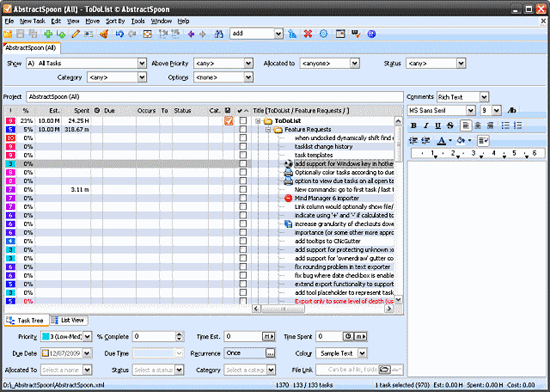 If you like/need to keep track of your time, you should definitely have this application in your pocket. ToDoList is a simple task and project management app that will allow you to get your work done faster and more effectively.
Best Portable Apps Around for Web Designers?
Of course, the above apps are by far not the only ones, but they’re certainly the best. They have been used by web designers and have proven to be very useful in their line of work.
You should definitely try getting and setting up a USB/flash drive with all these apps installed and carry them around your keychain, pocket, backpack, suitcase, etc. If you have other portable apps that you use that isn’t on the list above, please share it with us in the comments.
Related Content
- 12 Useful Web Tools for Designers
- 7 Tools You Should Be Using For Better Web Designs
- 10 Excellent Feedback Tools for Web Designers
-
 President of WebFX. Bill has over 25 years of experience in the Internet marketing industry specializing in SEO, UX, information architecture, marketing automation and more. William’s background in scientific computing and education from Shippensburg and MIT provided the foundation for MarketingCloudFX and other key research and development projects at WebFX.
 -

WebFX is a full-service marketing agency with 1,100+ client reviews and a 4.9-star rating on Clutch! Find out how our expert team and revenue-accelerating tech can drive results for you! Learn more
Make estimating web design costs easy
Website design costs can be tricky to nail down. Get an instant estimate for a custom web design with our free website design cost calculator!
Try Our Free Web Design Cost Calculator
Share this article




Web Design Calculator
Use our free tool to get a free, instant quote in under 60 seconds.
View Web Design CalculatorMake estimating web design costs easy
Website design costs can be tricky to nail down. Get an instant estimate for a custom web design with our free website design cost calculator!
Try Our Free Web Design Cost Calculator



