Find the right database management software for you and your business’s needs with this list of the best database management solutions.
This year’s top 20 database management software
MongoDB
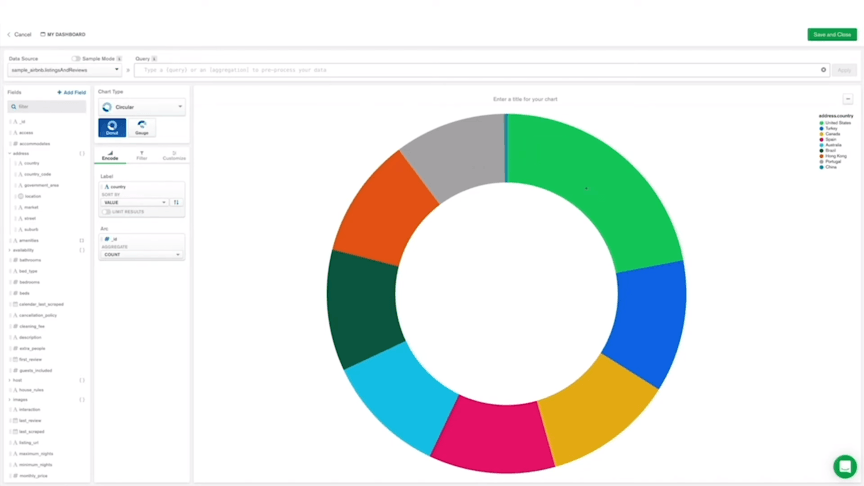
MongoDB is capable of storing and processing large amounts of data. It uses internal memory to make your data easy to access and data queries can be optimized for output, delivering fast results easily.
MongoDB is an open-source database management tool meaning it receives support from a community and can be edited to your liking.
TablePlus
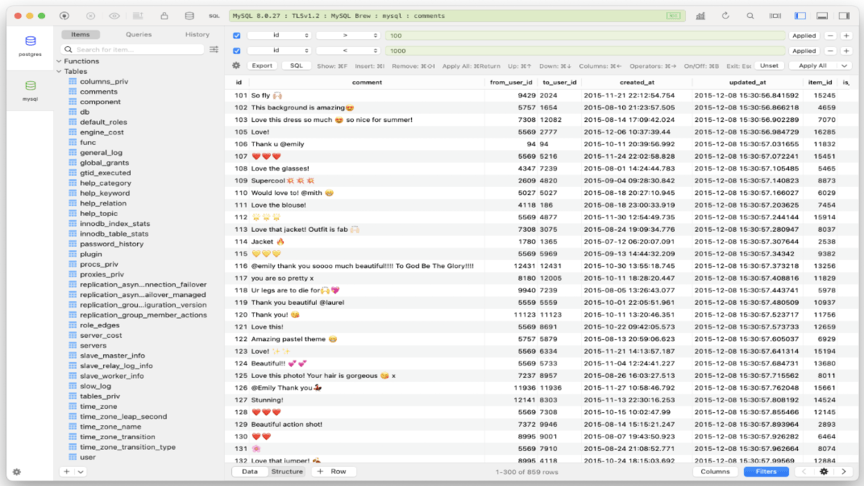
TablePlus offers native, secure and fast database management software, making it easier than ever to query, manage and edit your database. Only taking half a second to start, TablePlus prioritizes speed, user-friendliness and efficiency. Visualize your data, use advanced filters, review code and more with this efficient database management tool.
Microsoft SQL Server
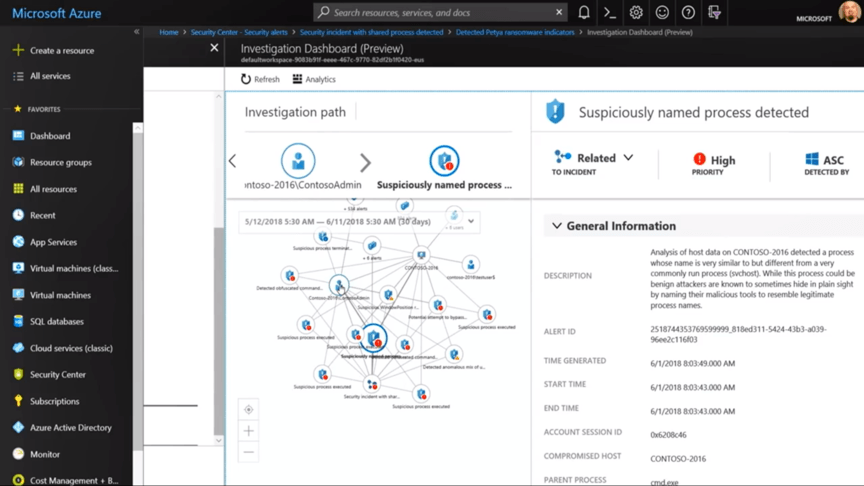
Microsoft SQL Server is an industry-leading commercial database management system. Advanced security features, hybrid cloud compatibility, advanced analytics and many other functions make Microsoft SQL Server a necessity for any commercial enterprise.
Salesforce
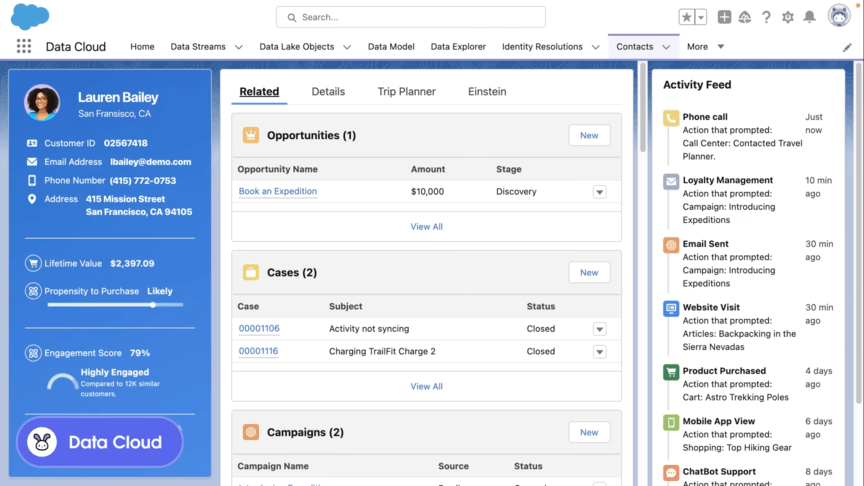
Salesforce is a database management program that helps people work smarter and faster. It provided flexibility and efficiency when tracking marketing data, recruitment information, business stats, sales performances and even more uses database management solutions any company would need.
MySQL
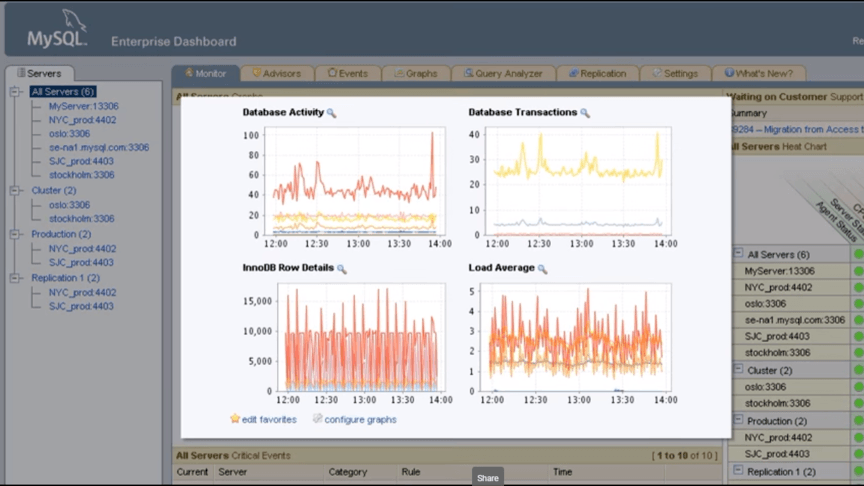
MySQL is a widely used program. It’s an open-source tool with much community and user support. What makes MySQL so appealing is its user-friendly interface, high-quality performance and top-notch security. There is a limit to the program’s scope and it is best used for smaller businesses and databases with less complex data.
FileMaker
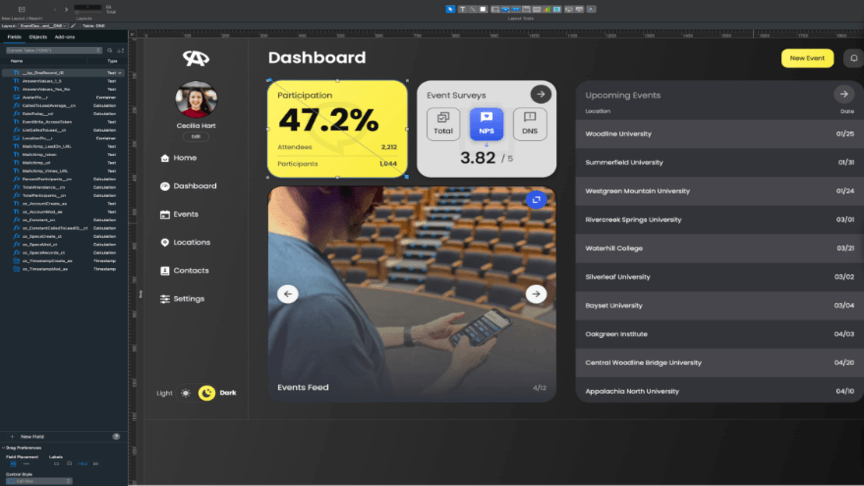
FileMaker specializes in data integration and compatibility. The program can be installed on Mac, Windows, Linux and Unix. Filemaker uses programmer feedback to grow and upgrade its features and capabilities constantly. It can be integrated easily with OData, JavaScrip, REST APIs and more for seamless work.
Microsoft Access
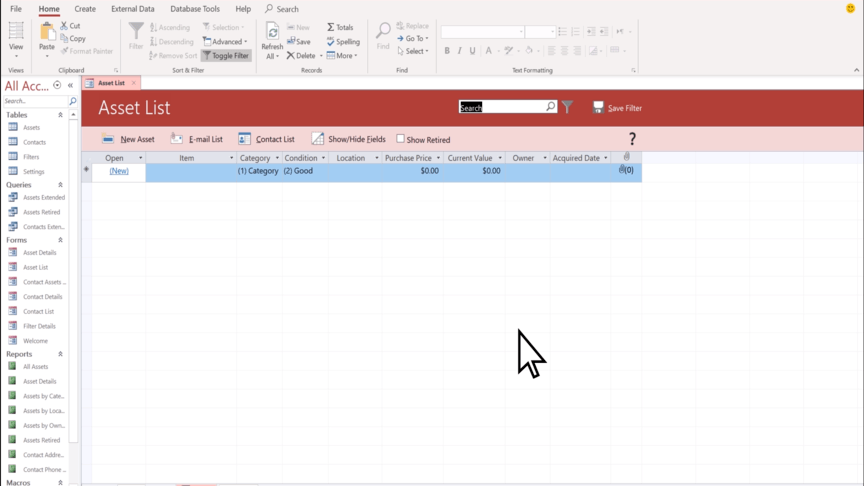
Create your own database apps with ease using Microsoft Access. You can create and share your apps even if you don’t have the expertise of a programmer. Microsoft Access makes creating templates and developing programs easy with its straightforward features and intuitive UI.
Neo4j
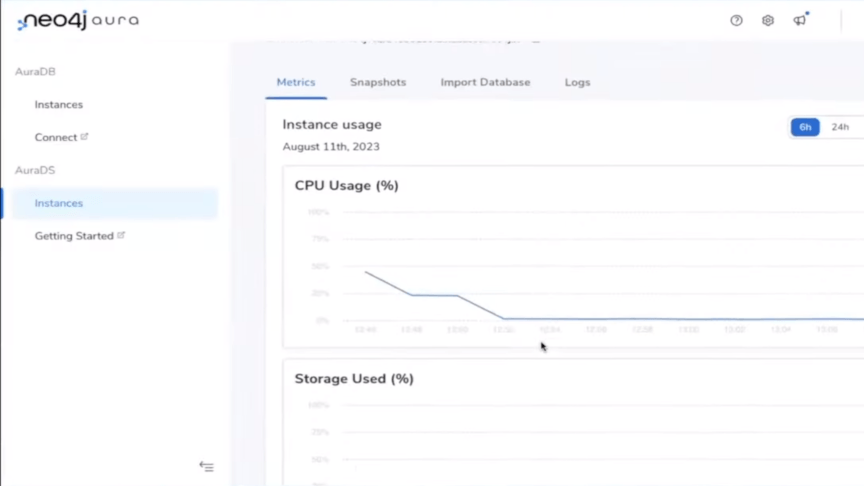
Analyze your data like never before with Neo4j and its many data visualization features. Neo4j is made for displaying scientific data in engaging ways but it’s comprehensive and precise tools can be just as valuable to any business. Describe and showcase your data with this insightful and detailed application.
MariaDB
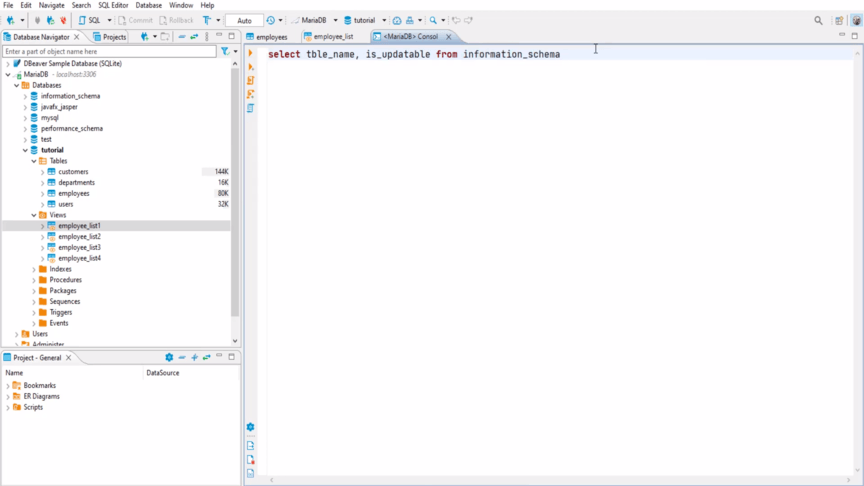
Looking for an open-source relational database management system? Then you need MariaDB. Made by the original developers who made MySQL, MariaDB promises performance, openness and stability to its users. Build and organize databases with data that relate to each other with this free tool.
Cloudera
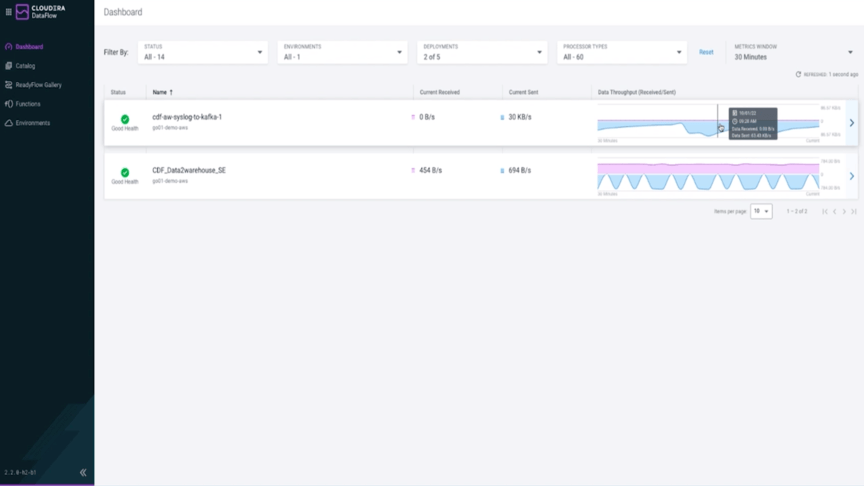
Cloudera’s high-speed data processing abilities make it a great choice for large enterprises who need to store, organize and analyze large quantities of data regularly. Using Cloudera’s scalable architecture, you can modernize your data stack, enhancing your speed, performance and efficiency. Utilize their multi-cloud and on-premise environments to experience the world’s first hybrid data platform made for cost-effectiveness and interoperability.
Teradata
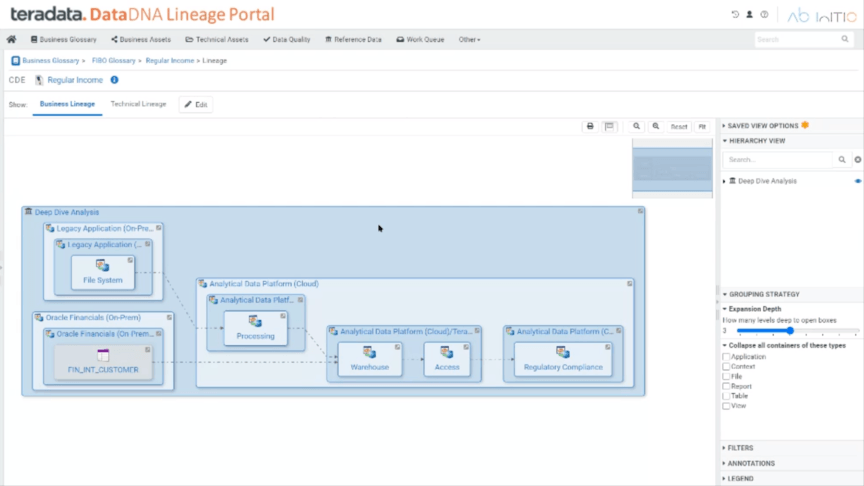
Teradata offers cloud analytics to drive faster innovation by effectively using databases. Share databases with anyone across your organization, creating synergy and allowing more people to share their input and gain insights. Transform your data into meaningful charts and visual representations using integrated AI and cloud analytics.
Oracle Database
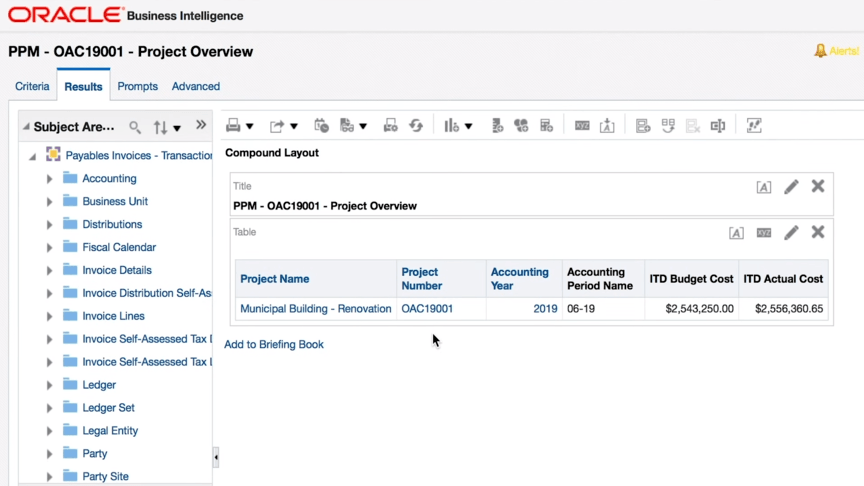
Oracle Database is a secured program that occupies less storage space on your computers than other database management systems, reduces CPU loading and processing time and is very well secured. Additionally, you can run in-depth data analytics in mere seconds. Oracle Database’s software can facilitate millions of transactions every second without wavering in performance.
Informix
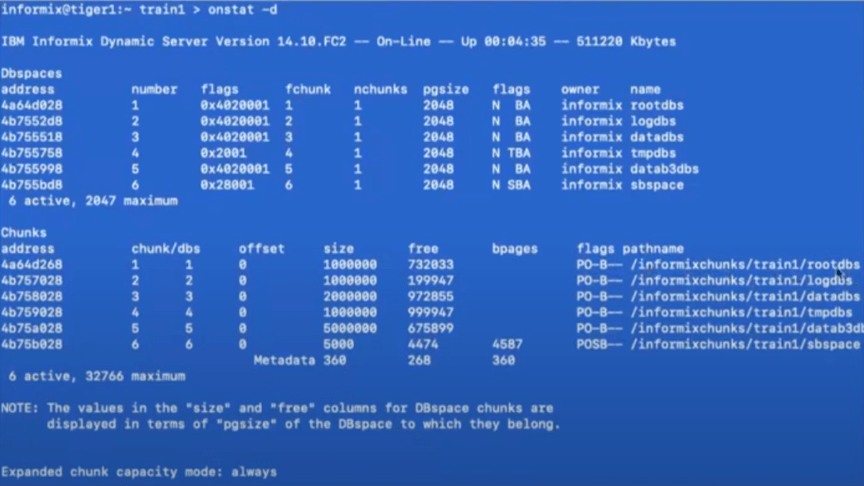
IBM’s Informix is designed to handle your data in the cloud or on-premises. This low-footprint database program comes with self-management features and automated administrative capabilities.
ADABAS
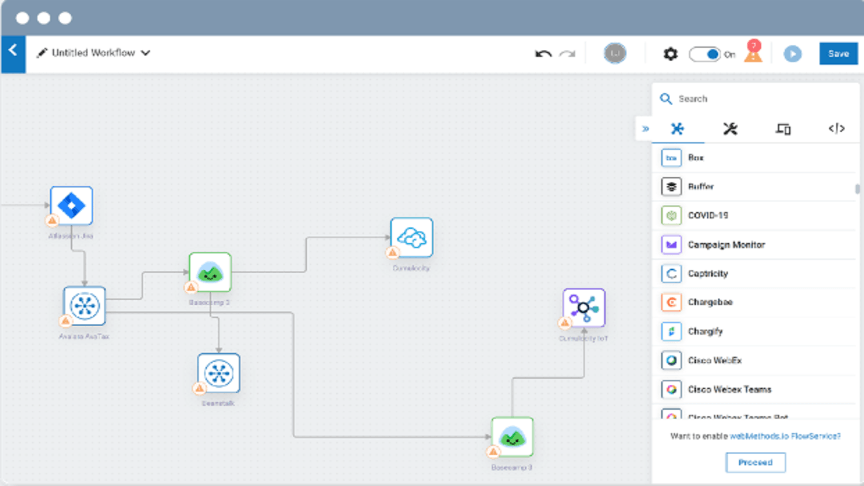
ADABAS is an acronym for Adaptable Database System. ADABAS allows for seamless data integration between applications, processes and clouds to store and analyze loads of valuable information that you can use to form insights and predictions.
SAP Sybase ASE
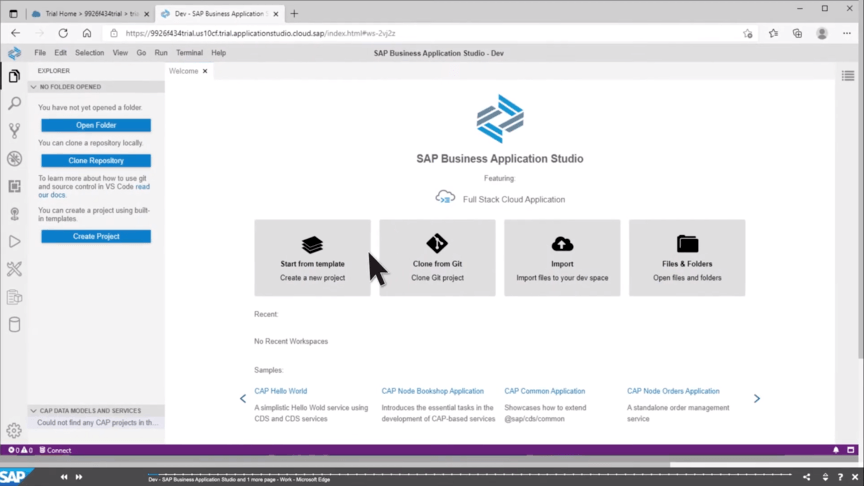
SAP Sybase Adaptive Server Enterprise (ASE) is a relational model database. Using cloud computing that can even be accessed on mobile devices, SAP Sybase ASE can perform millions of transactions every second and can synchronize with any database you want it to. As a cloud-based application, anyone with access can see the data it stores at any time.
ManageEngine Applications Manager
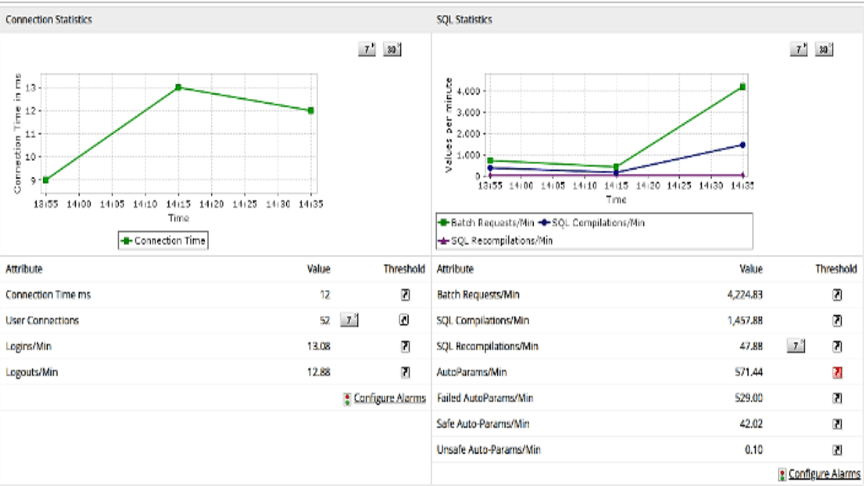
ManageEngine Applications Manager is the ideal tool for IT operations and developers. It is cost-effective and gives users a high-performance application manager that guarantees uninterrupted services for your business. Gain useful insights from the key performance indicators stored within your databases. Other features include end-to-end monitoring, advanced analytics and more.
SolarWinds Database Performance Analyzer
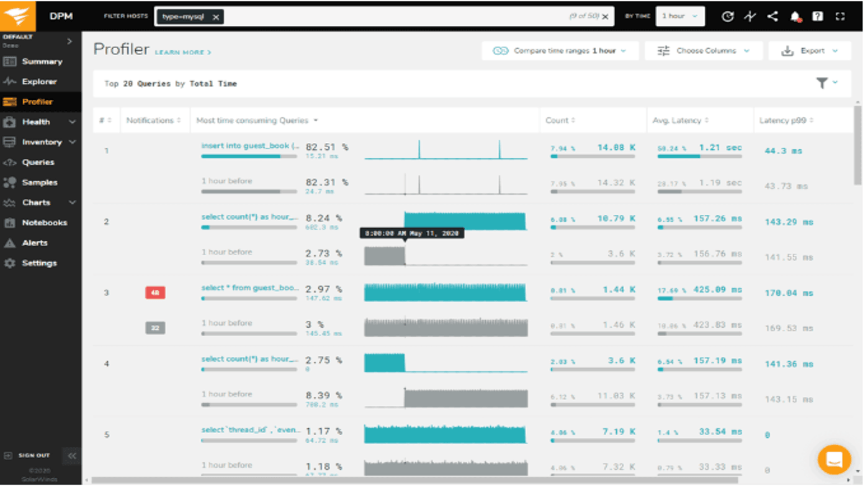
SolarWinds Database Performance Analyzer can perform SQL queries to monitor performance and provide in-depth analysis and tuning. This is the best tool for optimizing your performance and defines a new, more efficient way of utilizing your data in a way that produces accurate results and insights that matter.
Redis
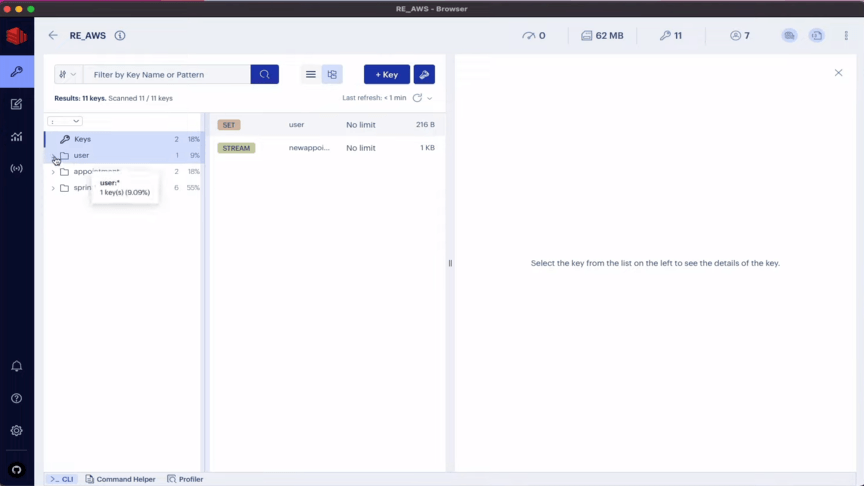
Redis is a reliable tool for performing high-level queries that are processed at fast speeds. Redis also supports multiple data types, including strings and hashes. Redis was voted the “most-loved” database for five consecutive years due to its quality, power and user-friendliness.
IBM DB2
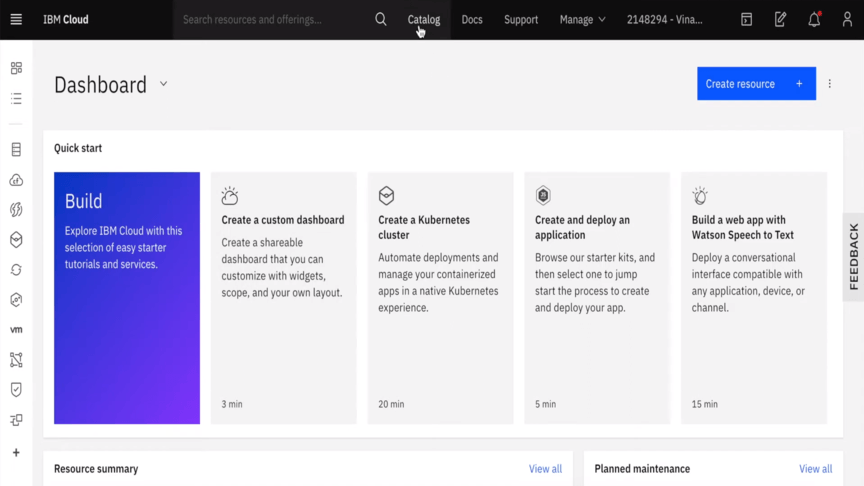
IBM Db2 is a cloud-based database that was made to use less power, provide low latency for transitions and provide real-time analytics. It is the ideal tool for enterprise architects and developers to use when keeping track of vital applications, storing data, running queries and using the power of IBM DB2 to make the right decisions faster.
MarketingCloud FX
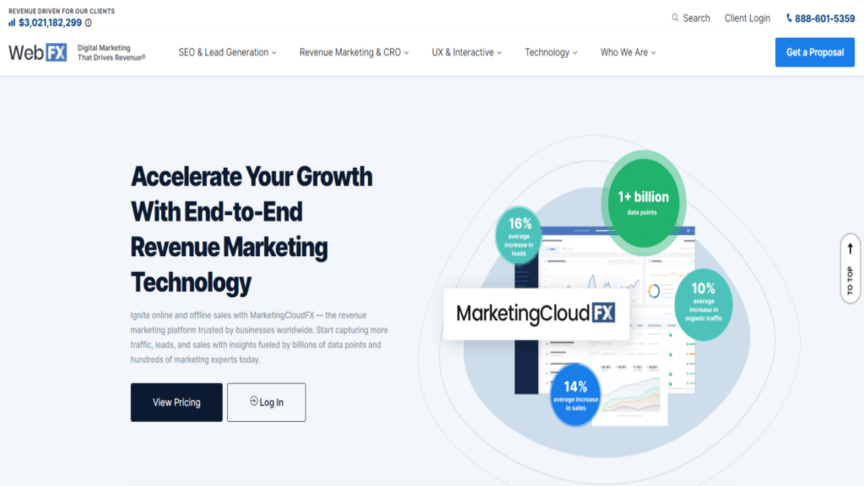
MarketingCloud FX is the ultimate tool that can help you accelerate your growth. Start capturing more leads, gain more traffic and improve your sales using our cutting-edge tool trusted by businesses all over the world. MarketingCloud FX can store data from all your favorite and most used platforms including Amazon, Quickbooks and Microsoft Dynamics.
Which database management program is the right one for your business?
There are hundreds of database management solutions available to you and your business, but MarketingCloud FX can give you more than most others can. Our tool has a long and impressive track record of businesses that have accomplished more with our help.
WebFX provides master-class services in all things digital marketing. To find out more about our incredible range of offerings feel free to contact us today or call us at 888-601-5359.
-
 President of WebFX. Bill has over 25 years of experience in the Internet marketing industry specializing in SEO, UX, information architecture, marketing automation and more. William’s background in scientific computing and education from Shippensburg and MIT provided the foundation for MarketingCloudFX and other key research and development projects at WebFX.
 -

WebFX is a full-service marketing agency with 1,100+ client reviews and a 4.9-star rating on Clutch! Find out how our expert team and revenue-accelerating tech can drive results for you! Learn more
Make estimating web design costs easy
Website design costs can be tricky to nail down. Get an instant estimate for a custom web design with our free website design cost calculator!
Try Our Free Web Design Cost Calculator
Share this article




Web Design Calculator
Use our free tool to get a free, instant quote in under 60 seconds.
View Web Design CalculatorMake estimating web design costs easy
Website design costs can be tricky to nail down. Get an instant estimate for a custom web design with our free website design cost calculator!
Try Our Free Web Design Cost Calculator