

Where can you start a blog for free? In 2024, blogging is still relevant and thriving and now is a great time to start if you’re ready to dip your toes in bloggy waters! Plenty of free blogging platforms invite you to experiment so you can find your niche.
Let’s look at the best free blog sites available for bloggers today.
Free blogging platforms to use in 2024
Here are seven of the best free blog sites you can check out:
1. Wix
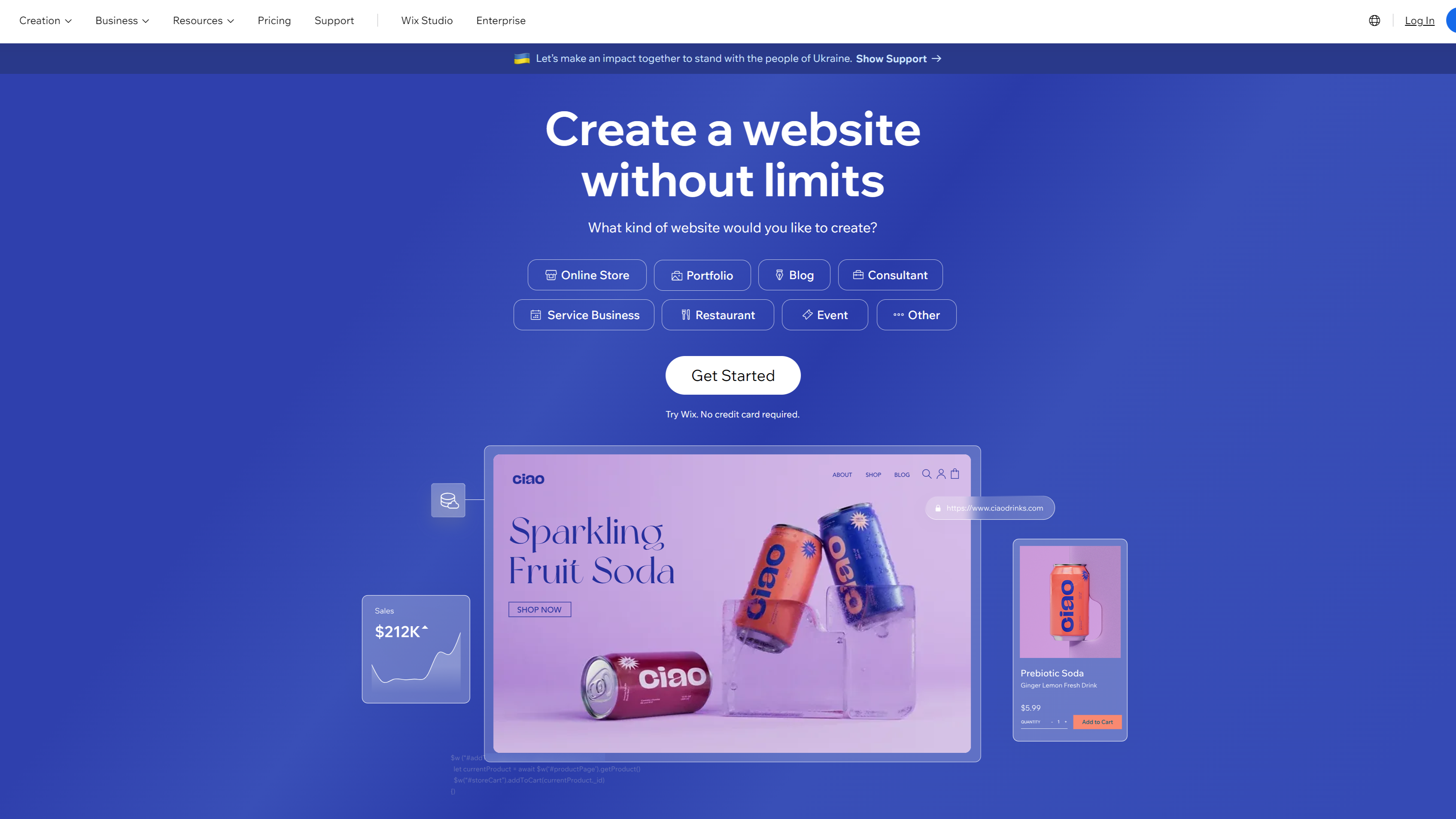
Wix is a website-building platform that anyone can use. With Wix, you can choose visually striking, customizable design elements to make your blog pop. Use a drag-and-drop builder to create the precise look you want.
Not sure how you want to shape your blog?
You can use Wix Artificial Design Intelligence (ADI) to create free blog sites. All you need to do is answer a few questions, and you’ll have a website fast.
A free Wix plan has everything you need to start your first blog. But you’ll have to use the Wix domain name and Wix ads will appear on your site.
A premium plan allows you to remove Wix ads and use a custom domain — if you decide to upgrade. Top features of a free Wix plan include:
- Beautifully designed templates
- Mobile friendly
- Simple interface
The free plan is best for:
- Small businesses with no coding or design experience
- People experimenting with their first blog
2. WordPress.com
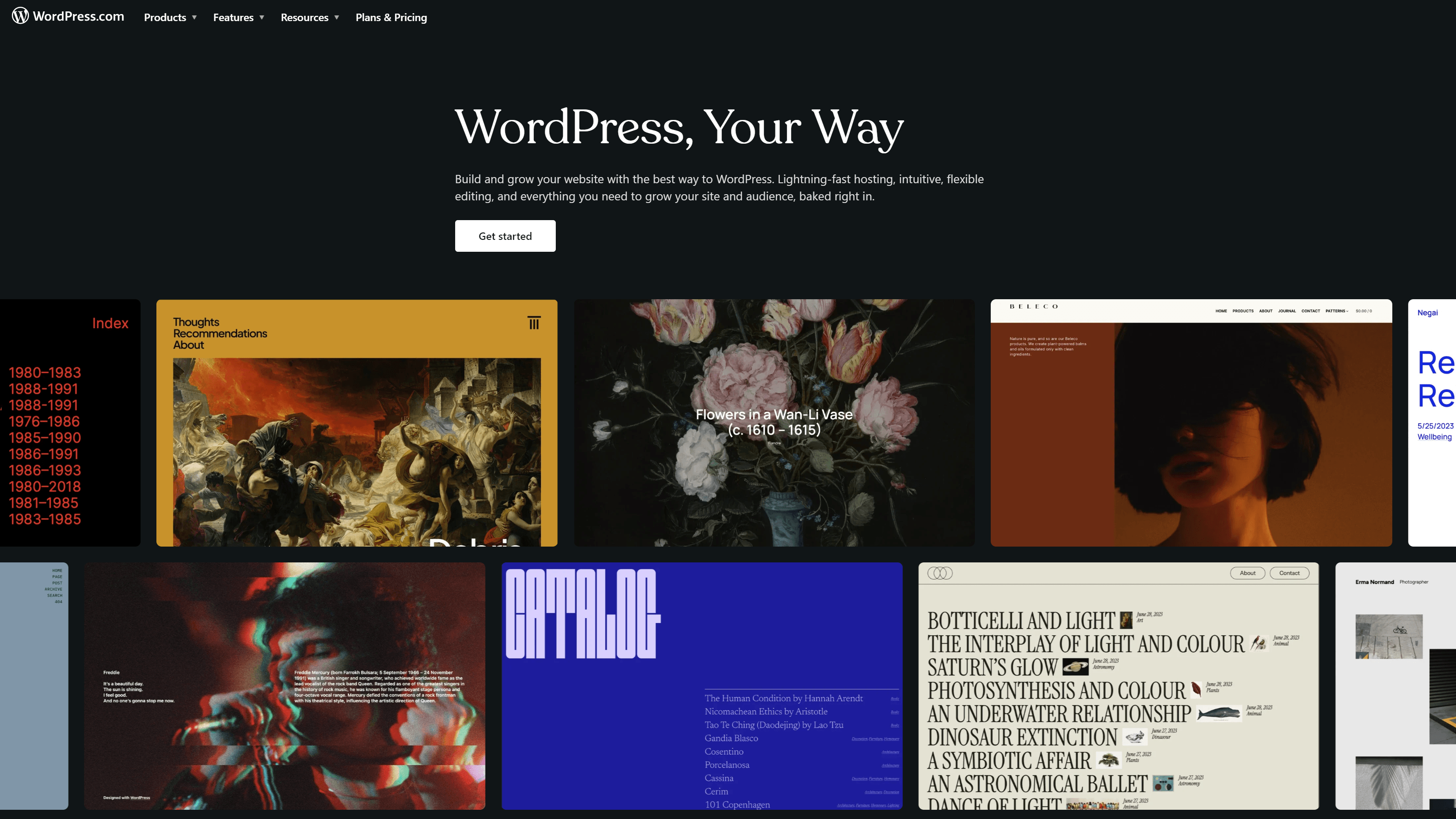
WordPress.com is one of the most popular, easy-to-use free blogging platforms. Users love free plugins and engaging themes. For example, the free Jetpack plugin makes your site faster and more secure.
Unlike WordPress.org, which is part of the same software, WordPress.com does not require a separate hosting provider — it has hosting built-in.
As your blog or company grows, you can upgrade to paid plans with more features and storage. A free WordPress account lets you get started. Free features include:
- WordPress.com subdomain
- Responsive, mobile-ready themes
- Monetization options
WordPress.com is ideal for:
- Beginners and hobby bloggers
- Anyone getting started who wants the option to scale
3. Blogger
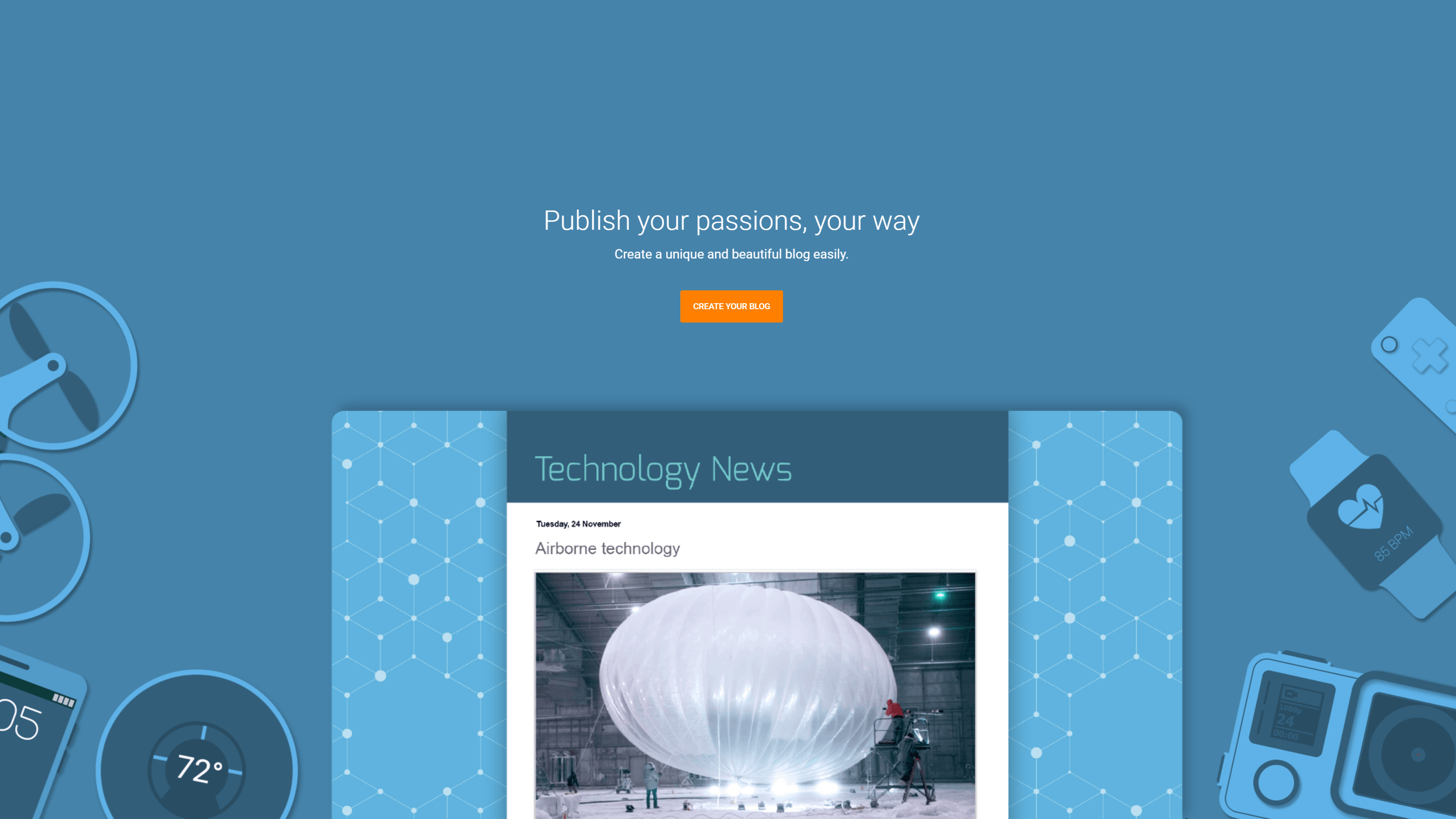
Blogger is one of the well-known free blogging platforms hosted by Google. It’s designed for simplicity, so it’s quick and super easy to use. You only need a Google account to get started.
You can create free blog sites quickly by choosing a basic template and setting up a blogspot.com domain.
Once you get your blog rolling, you can monetize it for free using Google AdSense. Blogger provides built-in analytics tools for you to determine who’s loving your blog. Features include:
- Unlimited storage
- Analytic tools
- High-security
Blogger is best for:
- Anyone wanting a no-frills blogging platform
- Beginners who want a space to share posts with friends and family
4. Ghost
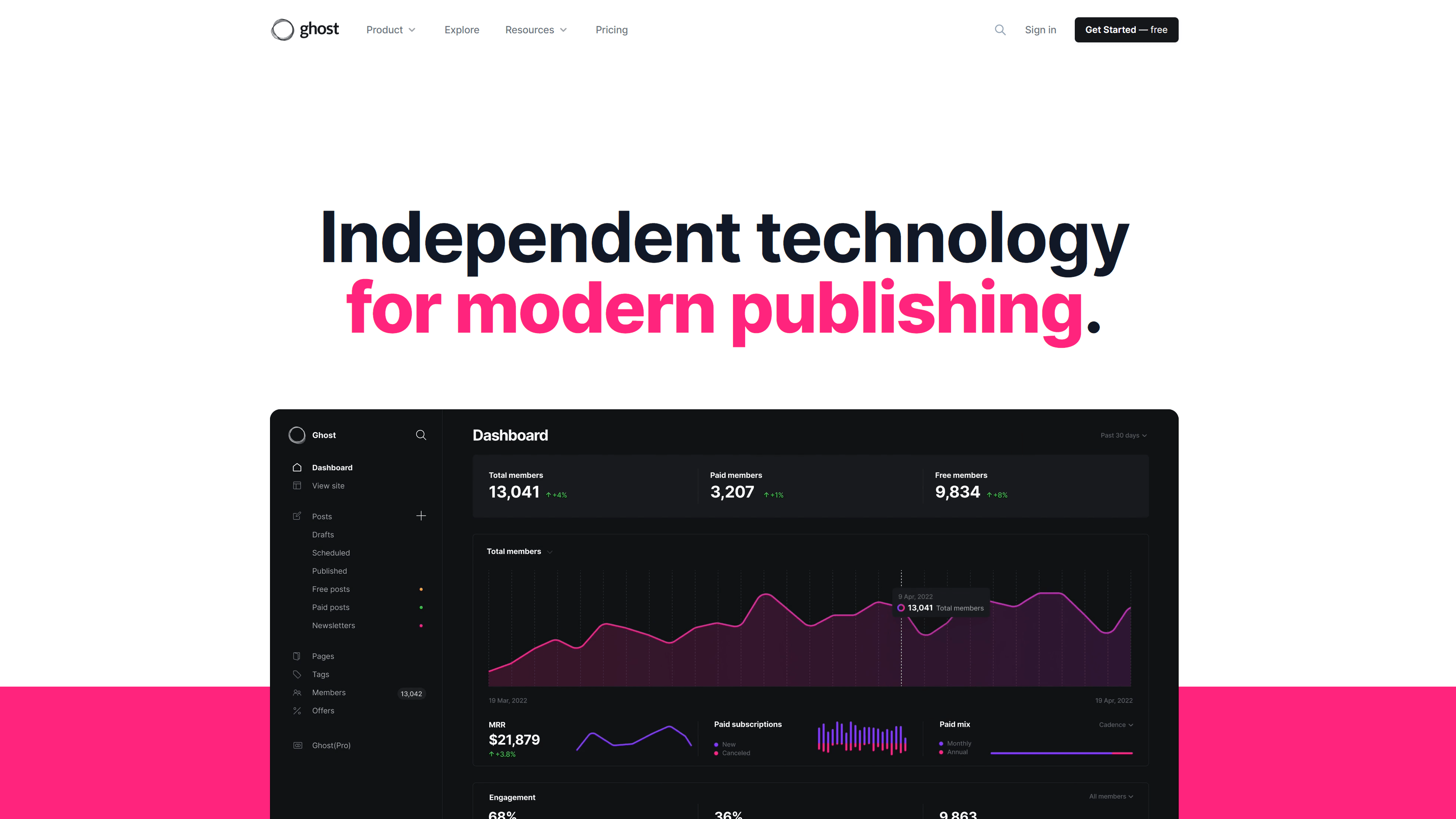
Ghost is a streamlined blogging tool that doesn’t require plugins to access search engine optimization (SEO) features or boost speed. With its supercharged technology stack, it claims to be almost 2,000 times faster than WordPress.
Content creators, including journalists, writers and musicians, make money on Ghost by offering visitors paid subscriptions. The option to send email newsletters to audience members helps bloggers encourage a subscription sign-up.
Ghost is available for free, but only during a 14-day trial period.
However, it’s pretty affordable after that. Once your trial is up, the lowest-cost plan costs $9 a month. In the meantime, your free features include:
- Library of built-in integrations
- Over a dozen clean, modern themes
- Intuitive interface
Great for:
- Beginners and pros
- Anyone who wants to publish SEO content
5. Tumblr
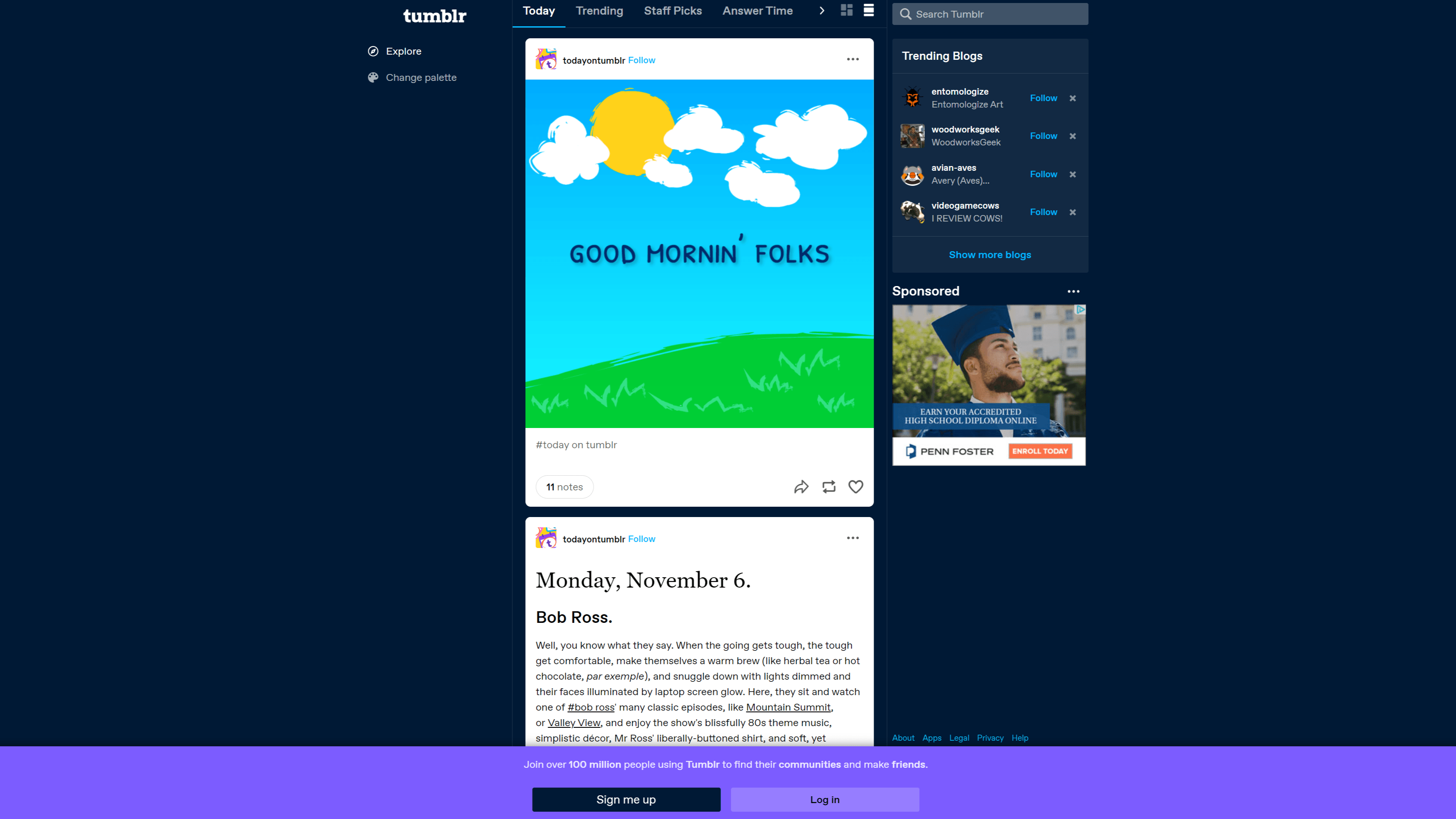
Tumblr is a free social media and blogging platform. It attracts a younger demographic (70% of its users are between the ages of 16 and 34), making it attractive for businesses to use Tumblr for marketing. If you’ve never blogged before or want to experiment with microblogging, this could be the blog platform for you!
Tumblr features a super simple dashboard, allowing you to quickly create and post text, videos, and photos.
Since Tumblr is also a social networking tool, sharing your content is easy. Tumblr has free customization tools and various themes to improve the SEO for your Tumblr blog.
Features include:
- Option to edit theme with HTML
- Content scheduling capabilities
- Custom URL creation
Who it’s for:
- Beginners wanting to quickly and easily create and share short-form blog posts
- Businesses wishing to attract a younger audience
6. Weebly
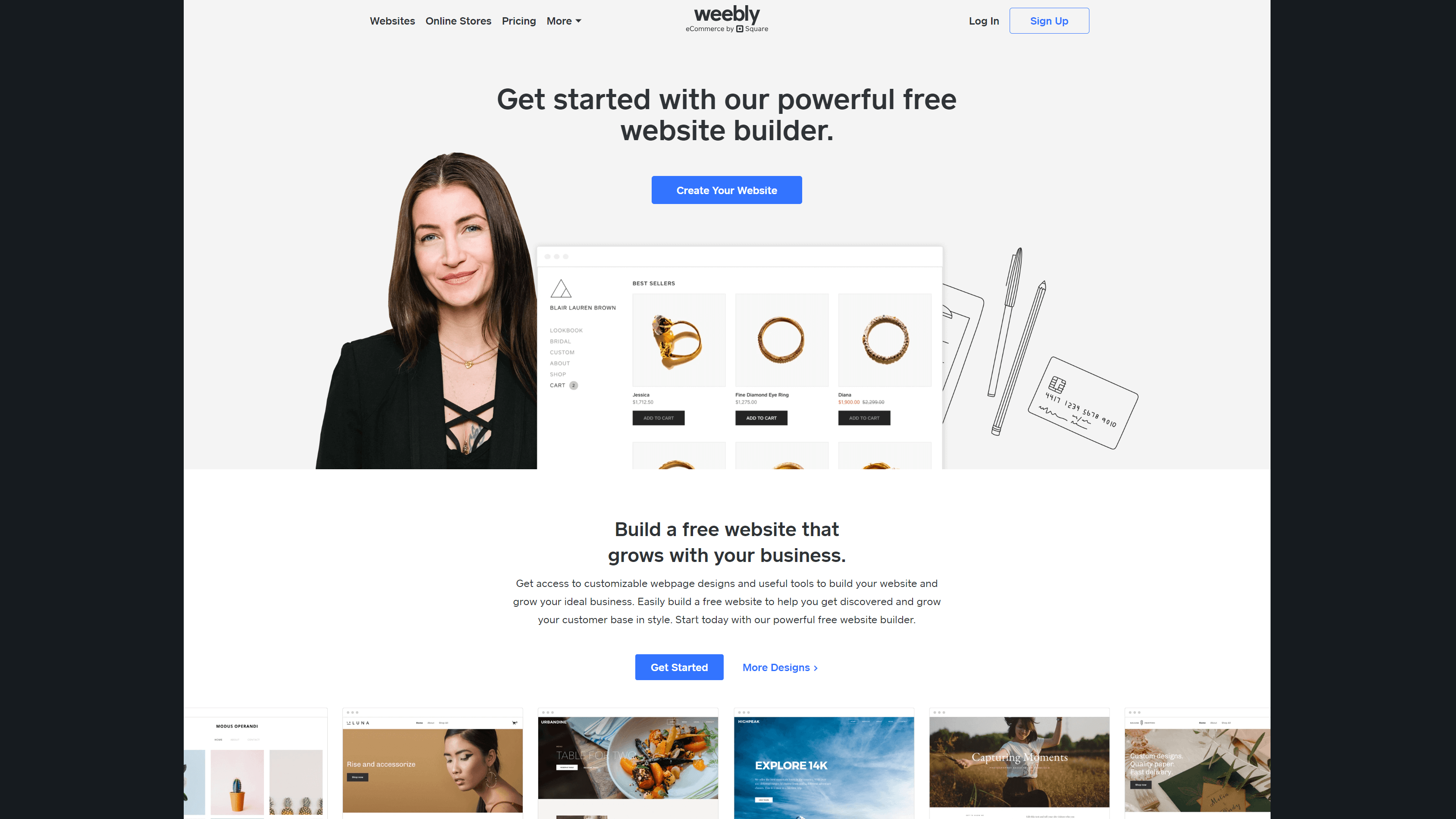
Weebly is a simple website builder with ecommerce tools. It’s owned by Square — a payment platform — so you can expect seamless transactions in your online store. Plus, there’s no limit to how many products you can list, even with the free version.
Weebly is one of the best free blogging platforms that offers customization options and can integrate with Instagram to reach more viewers.
Features include:
- SEO tools
- Dozens of free plugins and themes
- Inventory management
Great for:
- Anyone interested in an easy-to-use website builder
- Ecommerce business owners
7. Medium
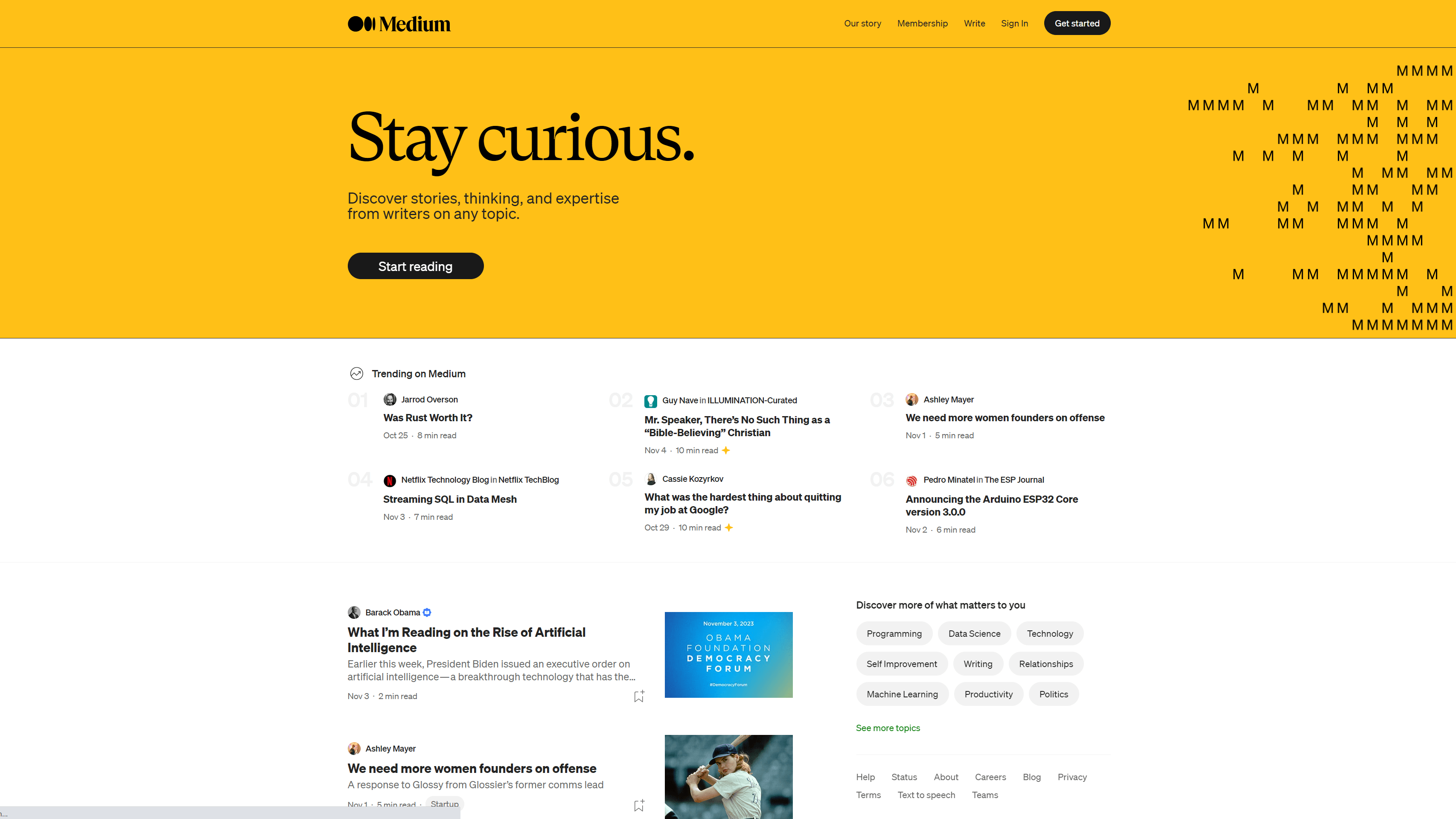
Medium is a free blog site that is open to anyone. After creating a free account, you can use its simplistic design to publish your content and immediately access a large reader base.
Medium features a beautiful, simplistic design. Since Medium focuses on the written word, you will only have a few customization options, but you’ll enjoy how easy it is to use.
You’ll also keep ownership of the content you write and can monetize your posts through the Medium Partner Program.
Features of Medium include:
- Embedding options to include various media forms
- Highlighting to emphasize text
- Tag selection to boost SEO
Medium is best for:
- Anyone who wants an easy way to express themselves in writing
- Anyone who wants quick, free access to a large audience
How to choose from available free blogging platforms
Here’s an insider tip from our blog team: Choose the free blogging platform that motivates you to create and share. Whether you need monetization options or value design customization tools above all else, there’s a blogging platform for you.
Want us to create a traffic-driving blog for your business? Our experts are here to strengthen your company’s online presence.
We’re masters of our craft.
WebFX is a marketing and design industry leader.

Meta, Amazon, and Google Partner

books read

blog posts written

industries worked in

Google Certified team members

CMS experts

-
 President of WebFX. Bill has over 25 years of experience in the Internet marketing industry specializing in SEO, UX, information architecture, marketing automation and more. William’s background in scientific computing and education from Shippensburg and MIT provided the foundation for MarketingCloudFX and other key research and development projects at WebFX.
 -

WebFX is a full-service marketing agency with 1,100+ client reviews and a 4.9-star rating on Clutch! Find out how our expert team and revenue-accelerating tech can drive results for you! Learn more
Make estimating web design costs easy
Website design costs can be tricky to nail down. Get an instant estimate for a custom web design with our free website design cost calculator!
Try Our Free Web Design Cost Calculator
Share this article




Web Design Calculator
Use our free tool to get a free, instant quote in under 60 seconds.
View Web Design CalculatorMake estimating web design costs easy
Website design costs can be tricky to nail down. Get an instant estimate for a custom web design with our free website design cost calculator!
Try Our Free Web Design Cost Calculator